
Agent Kanban
One board for all your coding agents — with isolated git branches, planning, review, and usage in one place.
Version 0.1.3 · macOS 12+ · Apple Silicon + Intel
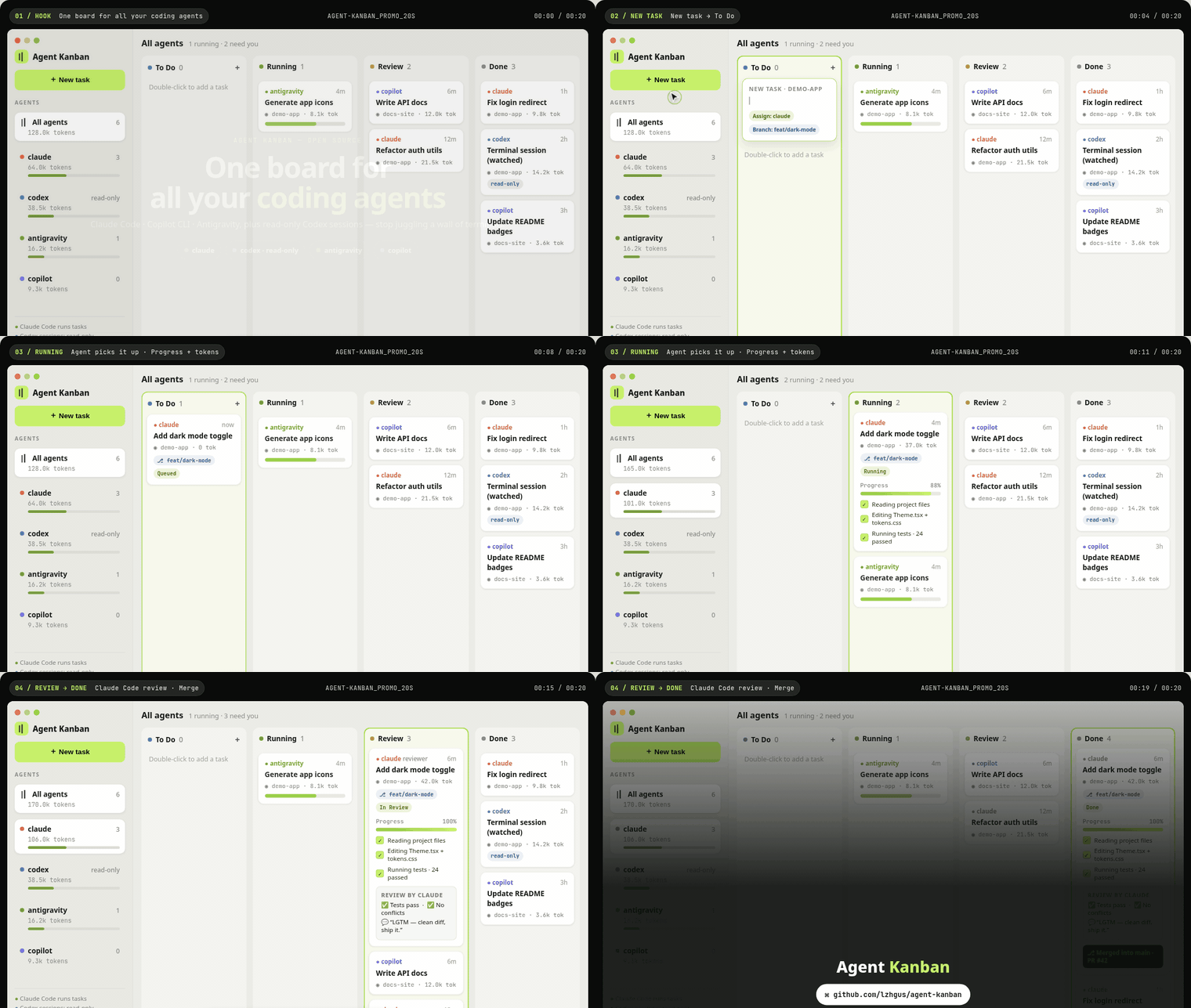
Give every coding task its own place to work
Start a task, choose an agent and folder, and follow its progress on the board. Agents can plan before building, review each other's work, ask questions, and delegate subtasks while you stay in control of the final merge.
Claude Code, Grok Build, Pi, Kimi Code, and OpenCode are tested. GitHub Copilot CLI and Antigravity are implemented and being tested; Codex sessions are watched read-only. Agent Kanban is open source and MIT licensed.
A git branch for every task
In a git repository, each task works in its own worktree on a kanban branch. Every turn ends in a commit, the Changes tab shows the diff, and you choose when to merge or revert individual changes.
Plan first, then review
Start with a read-only planning turn and confirm or revise the plan before code changes. Ask another agent to review the plan or finished work, while the final decision stays with you.
Progress and usage in one place
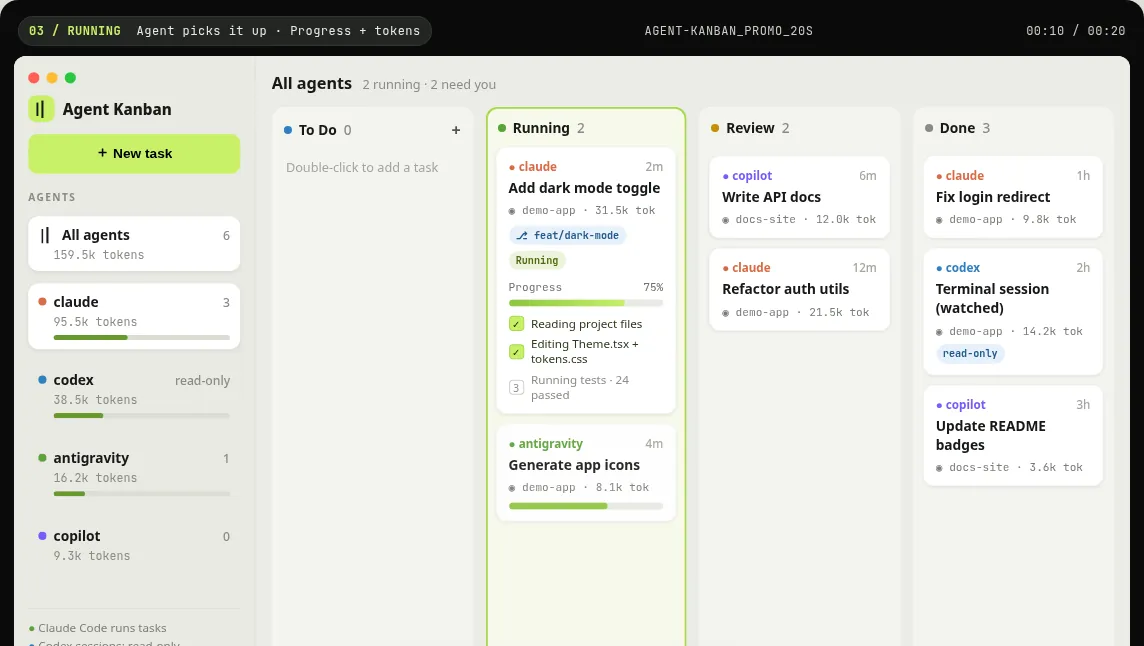
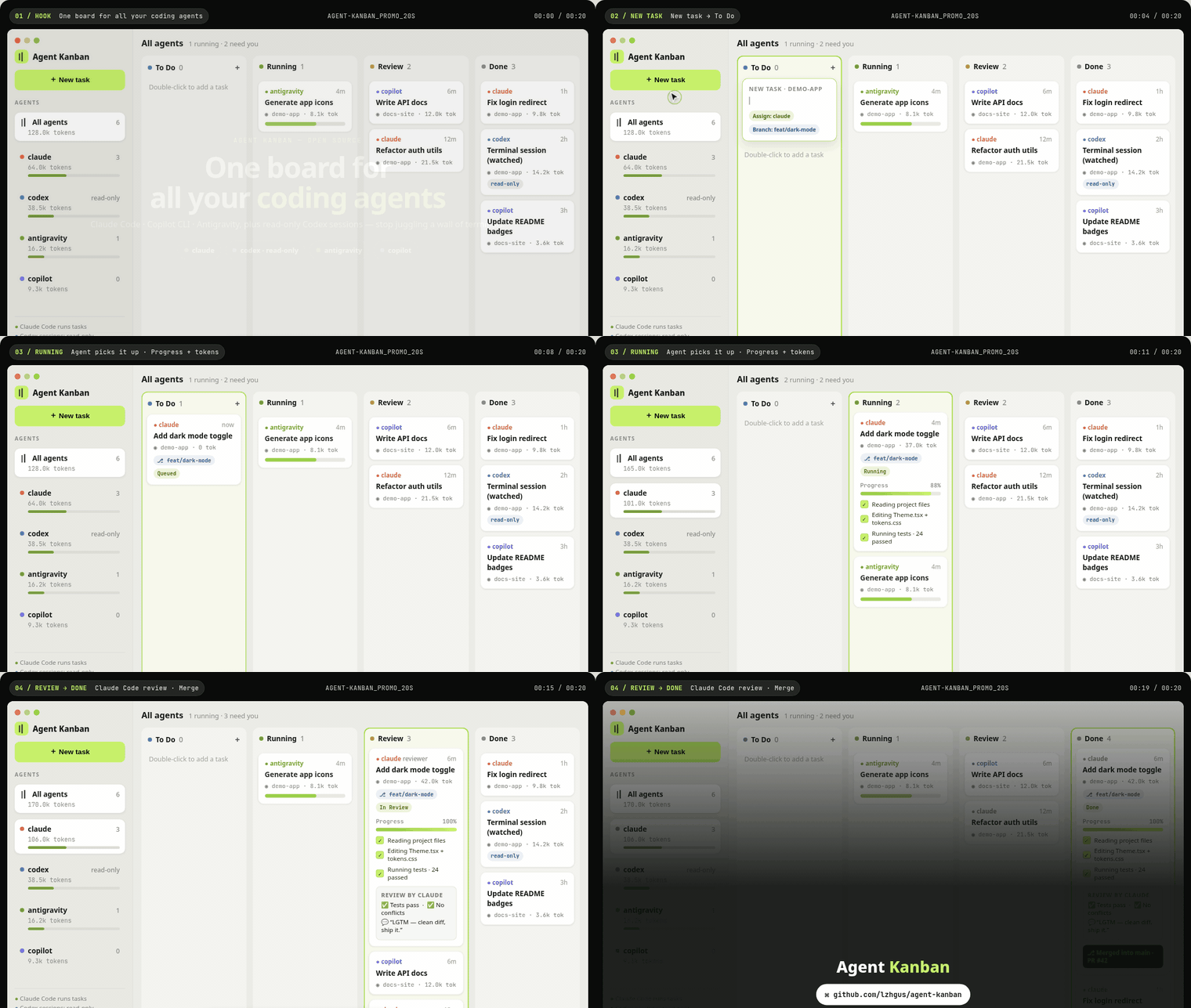
See every agent's progress, token usage, cost, and available plan quota. Notifications, Dock and menu bar counts, and Cmd+J bring tasks that need you back into focus.
Keep agents moving without losing control
Conversations, delegation, schedules, and queues use the agent CLIs already on your Mac.
Tasks are conversations
Reply to a task to request changes in the same session, or message a running agent while it works.
Agents work together
A local MCP server lets agents delegate subtasks, message one another, ask you questions, and file follow-up tasks.
Survives a restart
Quit during a turn and the agent resumes its conversation where it stopped when the app opens again.
Queue and auto pickup
Choose how many agents run at once and let free agents pick up To Do tasks first come, first served.
Recurring schedules
Repeat tasks hourly, daily, on weekdays, or weekly, with each run on its own branch.
Your existing agent CLIs
Uses the CLIs already installed and signed in on your Mac, with no API keys, account, or server required.
Every detail, polished.
Agent Kanban board with tasks, agent progress, and token usage
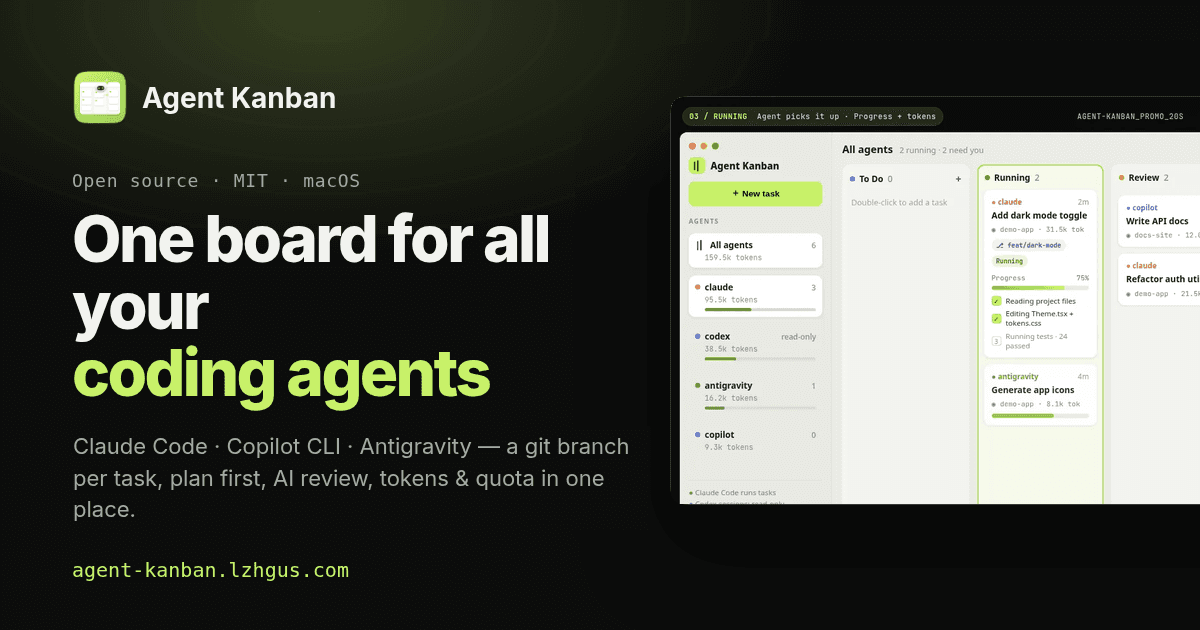
Agent Kanban — one board for all your coding agents
$0
Version 0.1.3 · MIT licensed
- One worktree and git branch per task
- Read-only planning and AI review
- Agent delegation through a local MCP server
- Schedules, queues, and auto pickup
- Token, cost, and plan quota tracking
- Universal app for Apple Silicon and Intel
- macOS 12 or newer
- Signed & notarized
Requires git and at least one supported agent CLI, installed and signed in.
Or install with Homebrew:
brew install --cask lzhgus/tap/agent-kanbanAgent Kanban FAQ
Common questions about the free, open-source coding agent board for macOS.
Which coding agents does Agent Kanban support?
Claude Code, Grok Build, Pi, Kimi Code, and OpenCode are tested. GitHub Copilot CLI and Antigravity are implemented and being tested. Codex sessions run in a terminal are watched read-only.
What do I need to use Agent Kanban?
You need git and at least one supported agent CLI installed and signed in. Agent Kanban uses your existing subscriptions, with no API keys, account, or server required.
How does Agent Kanban isolate task changes?
In a git repository, every task works in its own worktree on a kanban branch. Each turn ends in a commit, and you can inspect the diff before merging changes into your branch.
Is Agent Kanban free and open source?
Yes. Agent Kanban is free and open source under the MIT license. You can download the app or run it from the source on GitHub.
What are the system requirements?
Agent Kanban requires macOS 12 or newer. The release is a universal app for Apple Silicon and Intel, and the DMG is signed and notarized.