
Capso
Screenshot & screen recording for macOS — the free, native alternative to CleanShot X.


Everything you need. Nothing you pay.
Capture your screen, annotate with precision, record video or GIF with webcam overlay, extract text with OCR, and beautify screenshots for sharing — all from a single, native macOS app built with Swift 6 and SwiftUI.
Capso is open source and free forever — no trial, no feature gating, no subscription.
Capture Anything
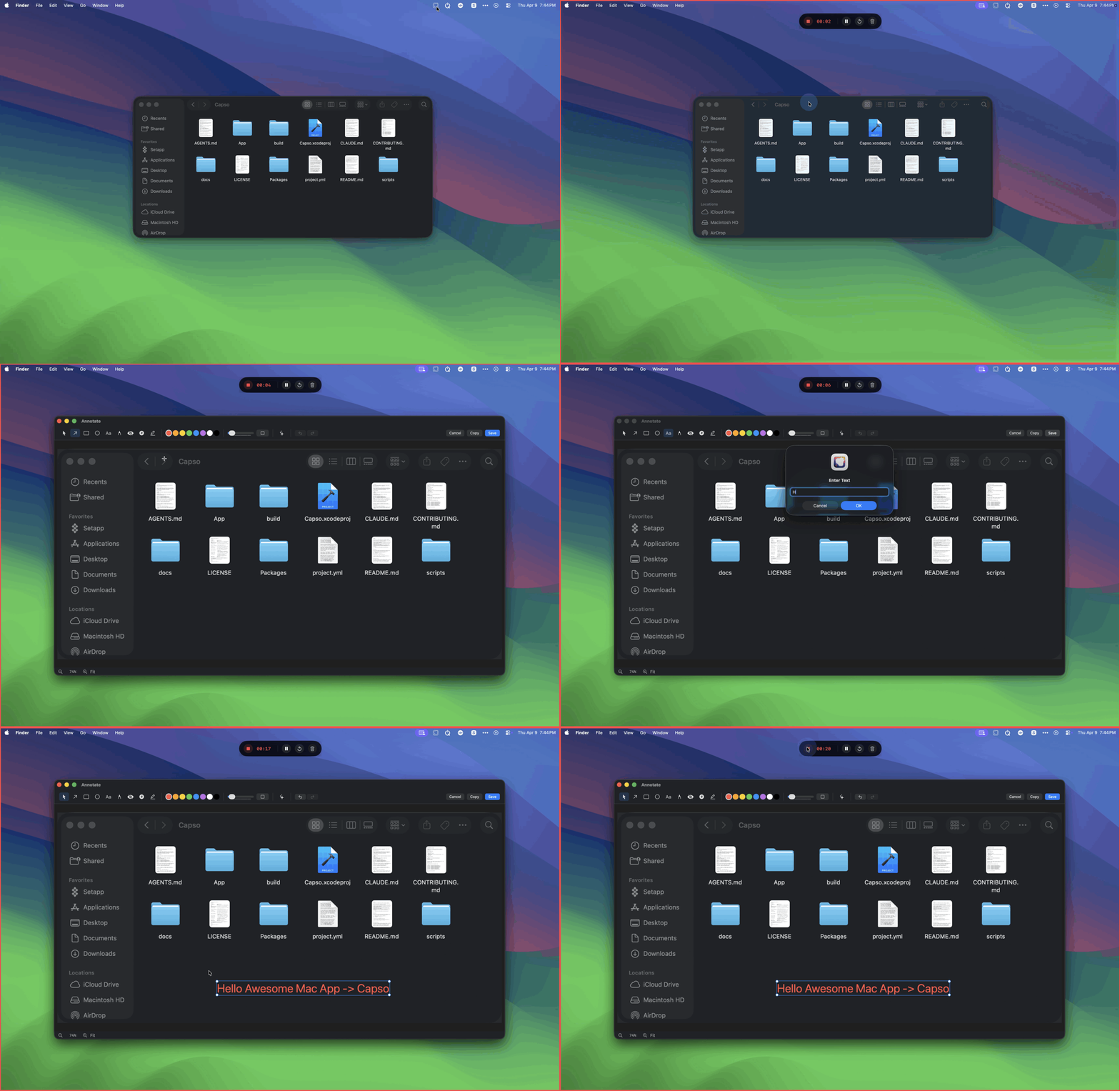
Area, fullscreen, or window capture — all from the menu bar or a global shortcut. Drag to select with live dimension display, or click any window to grab it instantly.
Record Screen & GIF
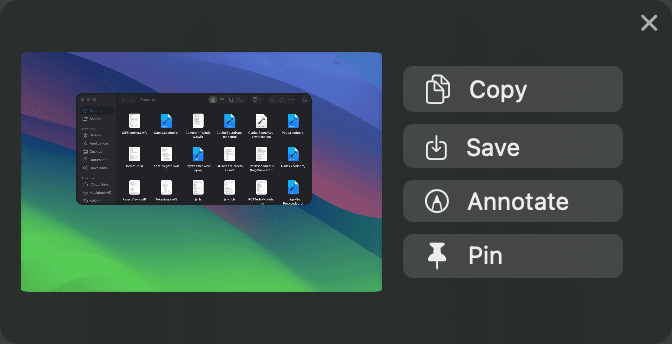
Record video (MP4) or GIF with system audio and microphone. Choose your area, toggle audio sources, and start with a 3-2-1 countdown. Pause, resume, or restart at any time.
Annotate & Mark Up
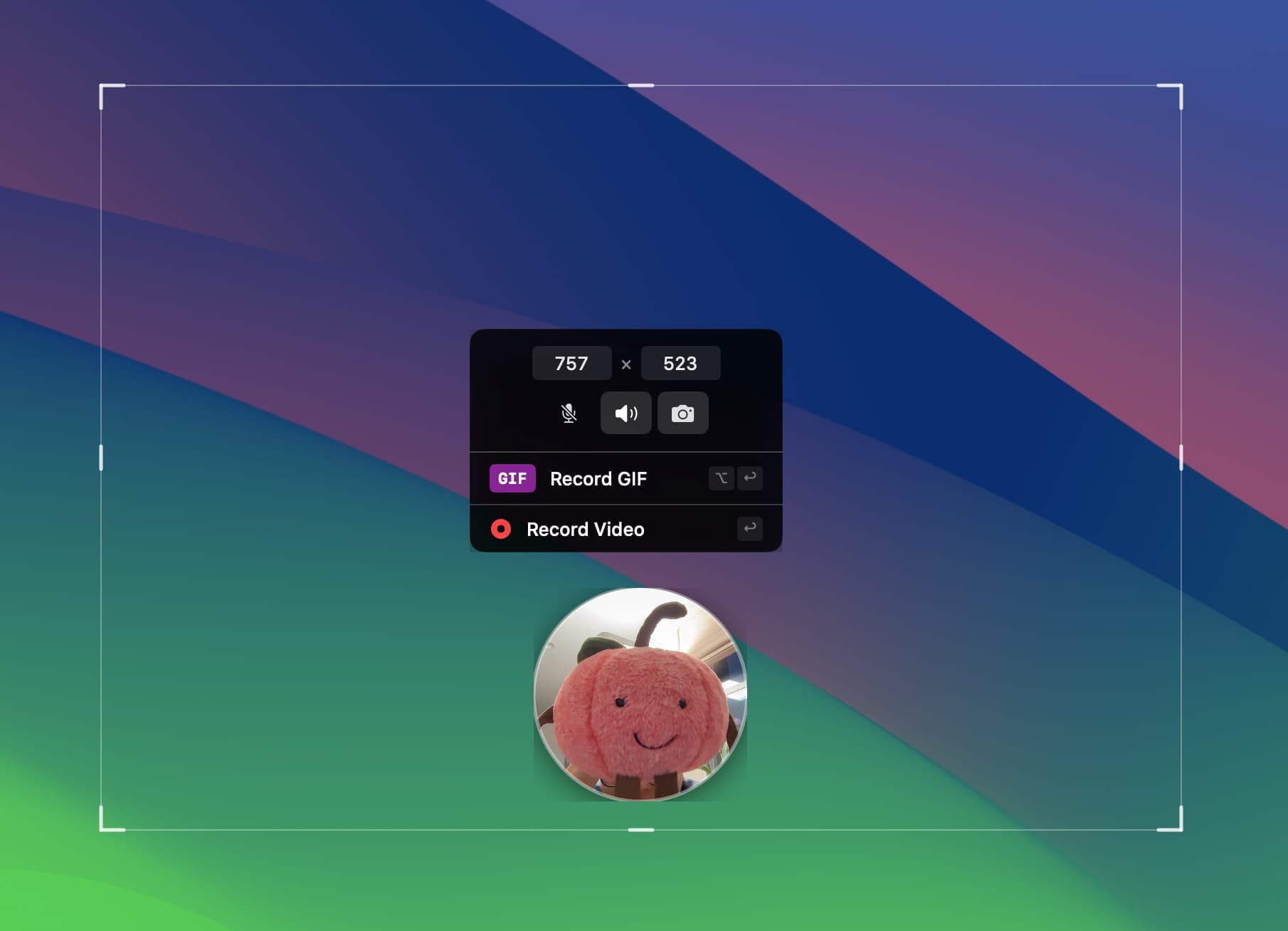
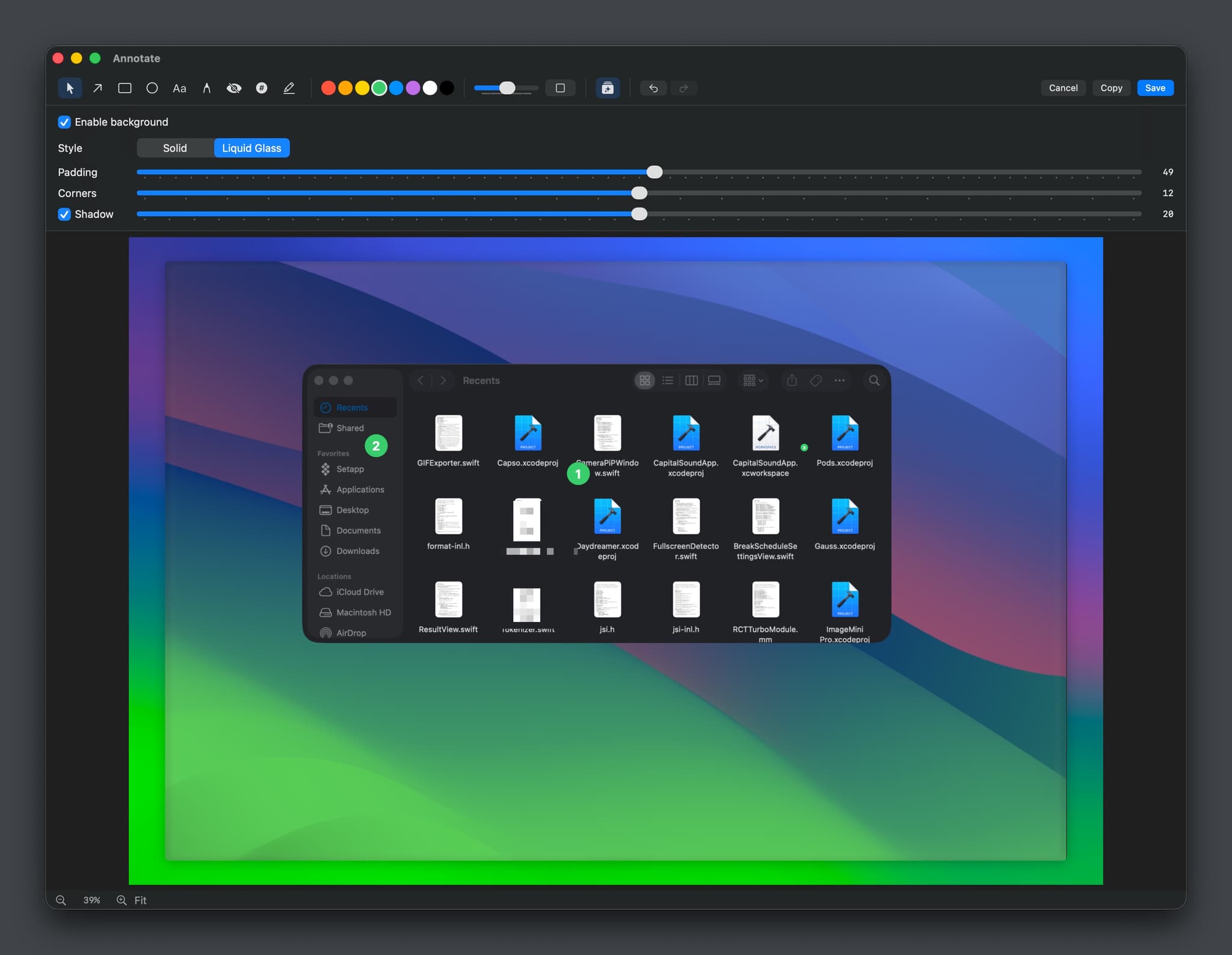
Open any capture in the full annotation editor. Arrows, rectangles, ellipses, text, freehand drawing, pixelate/blur, numbered counters, and highlighters — everything you need to communicate clearly.
Beautify Screenshots
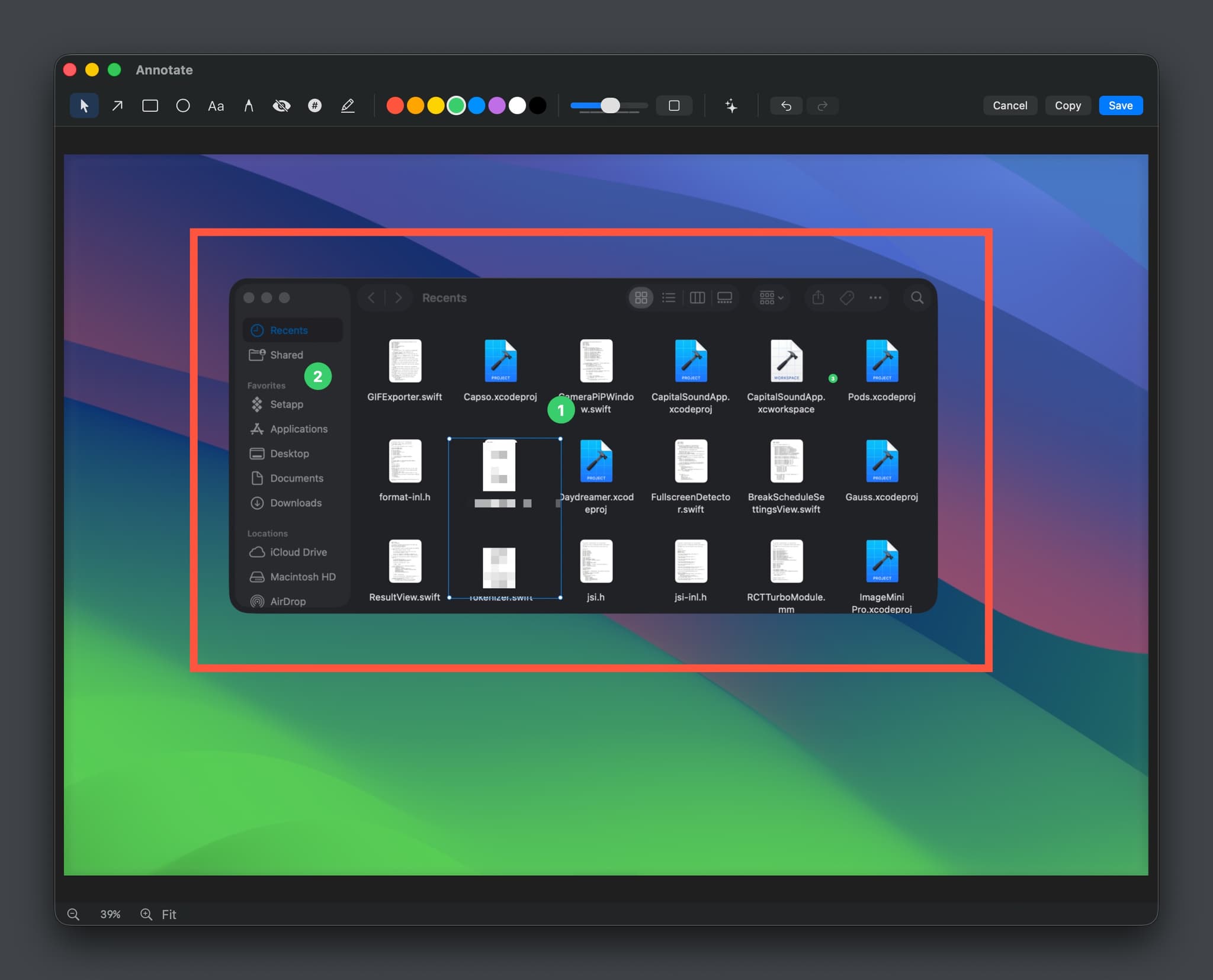
Add background color gradients, padding, rounded corners, and drop shadow to turn a raw capture into a polished visual. Choose Solid or Liquid Glass style with real-time preview.
Webcam Picture-in-Picture
Show your face while recording with a draggable webcam overlay. Four shapes — circle, square, portrait, landscape — with snap-to-corner positioning. Click to expand fullscreen and back.
Fully Configurable
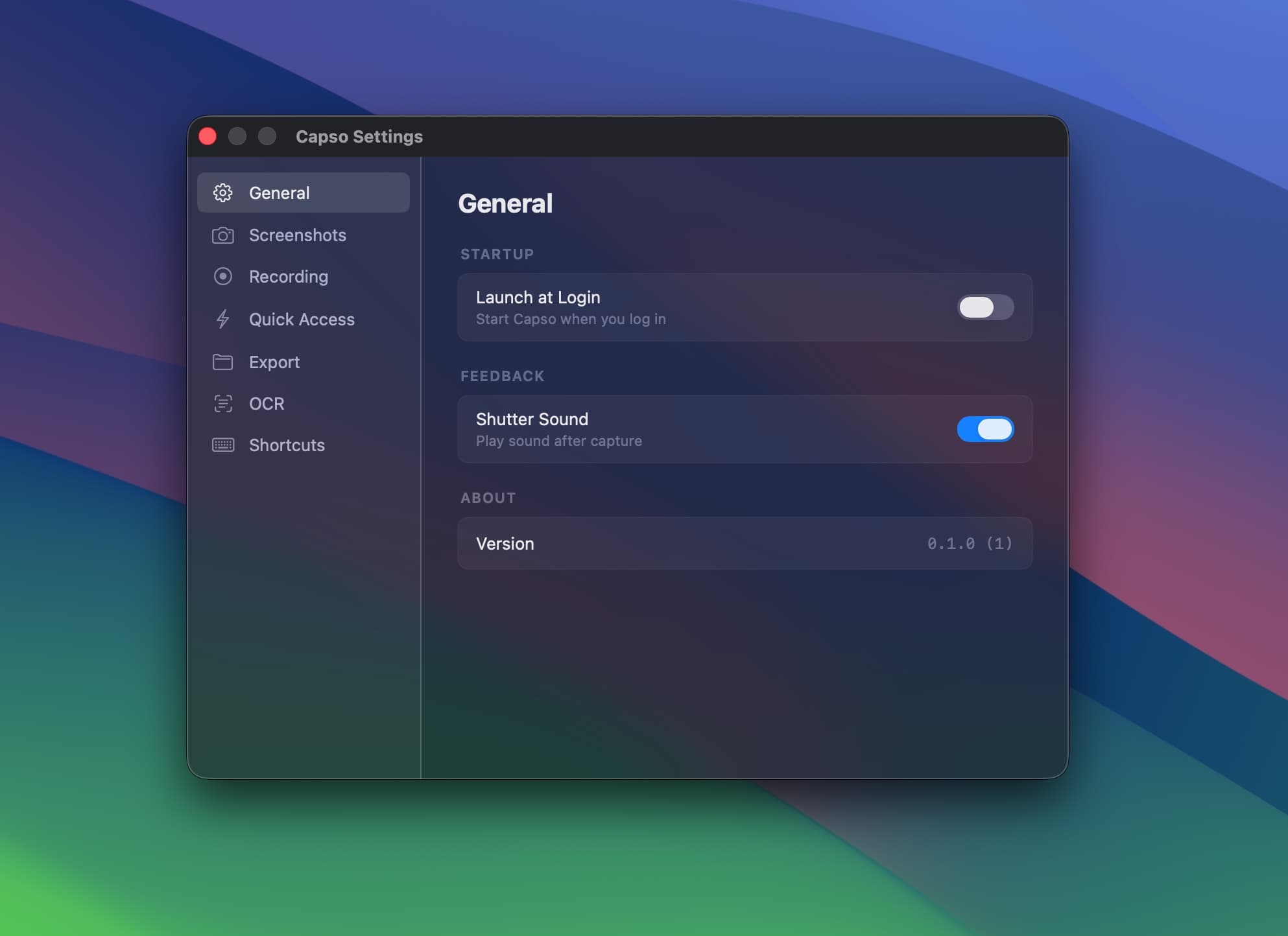
Comprehensive preferences with Apple Liquid Glass design. Configure screenshot format, recording quality, keyboard shortcuts, Quick Access behavior, export presets, and more.
Built for power users
Every feature CleanShot X has — and it's free.
Area / Window / Full
NewThree capture modes with keyboard shortcuts. Dimension overlay, multi-monitor support.
Quick Access
NewFloating preview after capture with one-click copy, save, annotate, OCR, pin, and drag-drop.
Annotation Editor
Arrows, shapes, text, freehand, pixelate, counters, highlighter. Full undo/redo and color picker.
Beautification
Background gradients, padding, rounded corners, shadow. Solid or Liquid Glass style.
OCR Text Recognition
Select an area to instantly copy text. Visual mode highlights detected text blocks for selective copy.
Pin to Screen
Float captures as always-on-top windows. Lock mode for click-through reference overlays.
GIF & Video Recording
Record MP4 or GIF with system audio, microphone, and webcam PiP. Pause/resume/restart.
Global Shortcuts
Configurable hotkeys for every action. Works system-wide, even when Capso isn't focused.
Open Source
Pure Swift 6.0 + SwiftUI. 8 independent SPM packages you can embed in your own app.
Every detail, polished.
Capso annotation editor with drawing tools and counters
Capso screenshot beautification with background and shadow
Capso screen recording with webcam PiP overlay
Capso preferences with Liquid Glass design
How Capso compares
Feature-for-feature comparison with the most popular macOS screenshot tools.
| Feature | CleanShot X | Shottr | Cap | Capso |
|---|---|---|---|---|
| Screenshots | Full | Full | Basic | Full |
| Recording | Video + GIF | No | Video + GIF | Video + GIF |
| Webcam PiP | Yes | No | Yes | Yes (4 shapes) |
| OCR | Yes | Yes | No | Yes |
| Annotation | Advanced | Advanced | Basic | Advanced |
| Pin to Screen | Yes | Yes | No | Yes |
| Beautification | Yes | No | Yes | Yes |
| Native Swift | Yes | Yes | No (Tauri) | Yes (Swift 6) |
| Open Source | No | No | Partial | Yes |
| Price | $29 | $8 | $58 | Free |
$0
No trial. No feature gating. No subscription.
- Area, window, and fullscreen capture
- Video (MP4) and GIF recording
- Webcam PiP (4 shapes)
- Full annotation editor + beautification
- OCR text recognition
- Pin screenshots to screen
- Global keyboard shortcuts
- Signed & notarized by Apple
- Source code on GitHub
Capso FAQ
Common questions about the free, open-source screenshot tool for macOS.
How is Capso different from CleanShot X?
Capso covers the same core features — area/window/fullscreen capture, annotation, recording, OCR, beautification — but it's completely free and open source. CleanShot X is a polished commercial product at $29. Capso is built with Swift 6 and SwiftUI, so it feels native and fast. Choose Capso if you want a free, hackable alternative; choose CleanShot X if you want commercial support and cloud features.
Is Capso really free? What's the catch?
No catch. Capso is free forever — no trial, no feature gating, no subscription. It's licensed under BSL 1.1, which means you can use, modify, and build from source freely. We make our money from other products on this website. Capso exists to give back to the macOS community.
Can I use Capso at work?
Yes. Personal and internal company use is fully permitted under the BSL 1.1 license. The only restriction is that you can't fork Capso and sell it as a competing commercial screen capture product.
Is the app signed and notarized?
Yes. The DMG from GitHub Releases is signed with a Developer ID certificate and notarized with Apple. macOS Gatekeeper will let you open it without any warnings.
Can I build Capso from source?
Yes. Clone the repo, install XcodeGen (`brew install xcodegen`), run `xcodegen generate`, and open in Xcode. The architecture is 8 independent SPM packages — you can even embed CaptureKit or AnnotationKit in your own app.
What macOS version is required?
macOS 15.0 (Sequoia) or later. Capso uses ScreenCaptureKit, Vision framework, and modern SwiftUI features that require macOS 15+.