


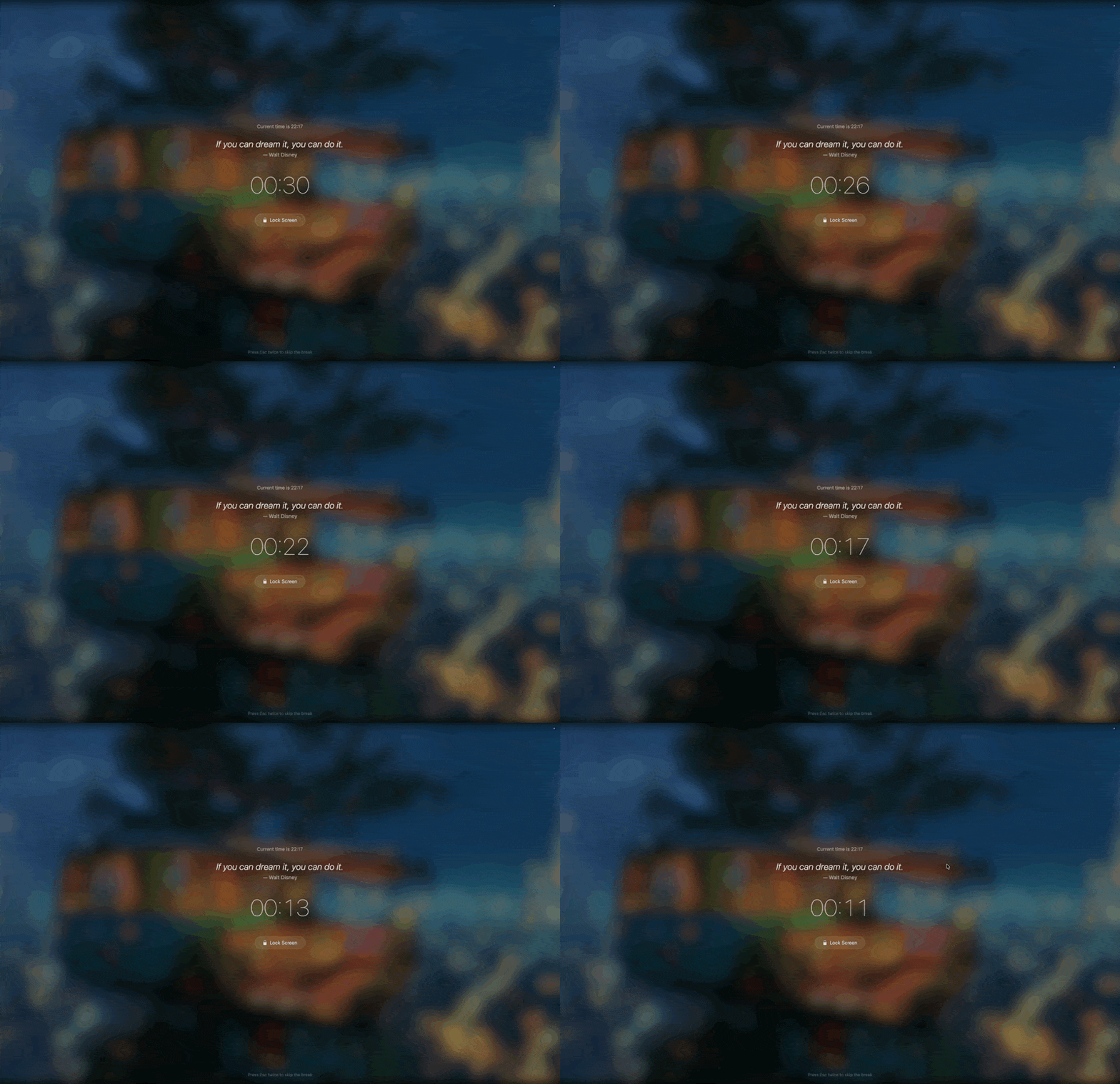
Breaks that feel like a reward
Daydreamer gently reminds you to rest your eyes with beautiful full-screen break scenes, calming music, and words that inspire. Each break is a mini escape — not an interruption.
Smart enough to pause during meetings and presentations. Powerful enough to customize every detail. Beautiful enough that you actually look forward to your next break.
Beautiful Break Scenes
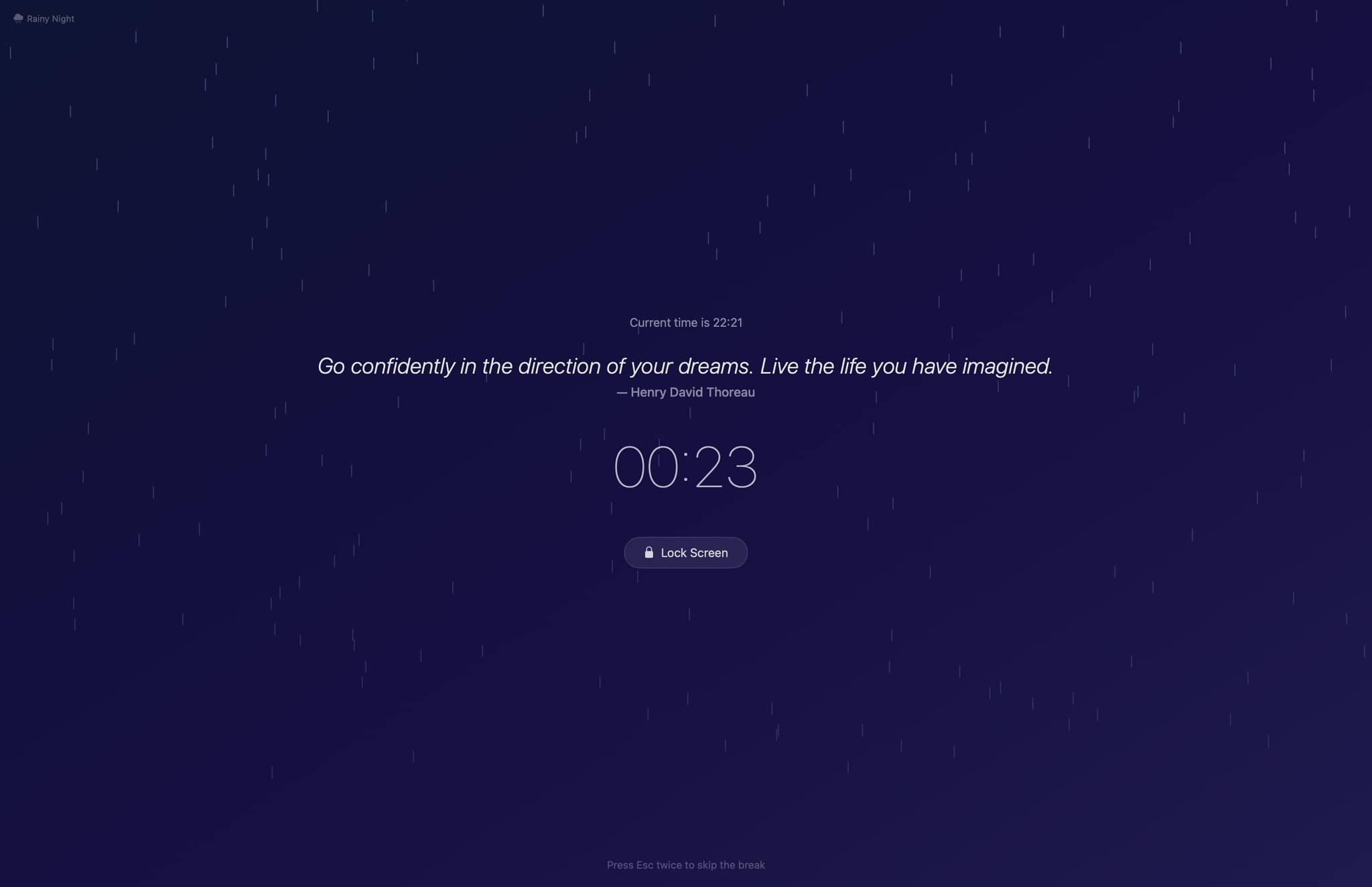
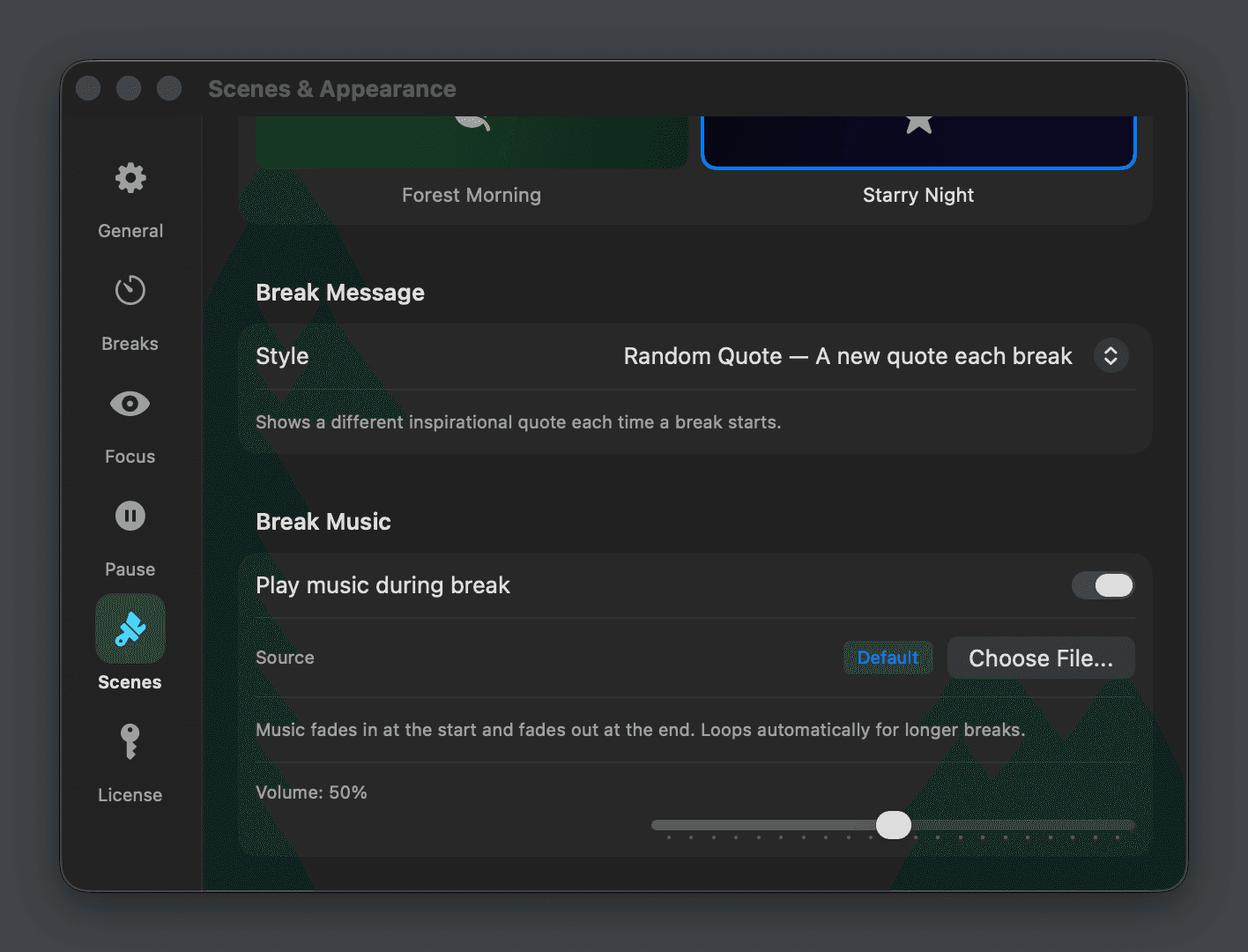
Choose from immersive scenes — Rainy Night, Sunset Beach, Forest Morning, Starry Night — each with animated particles and ambient gradients. Or use your desktop wallpaper or a custom image as the break background.
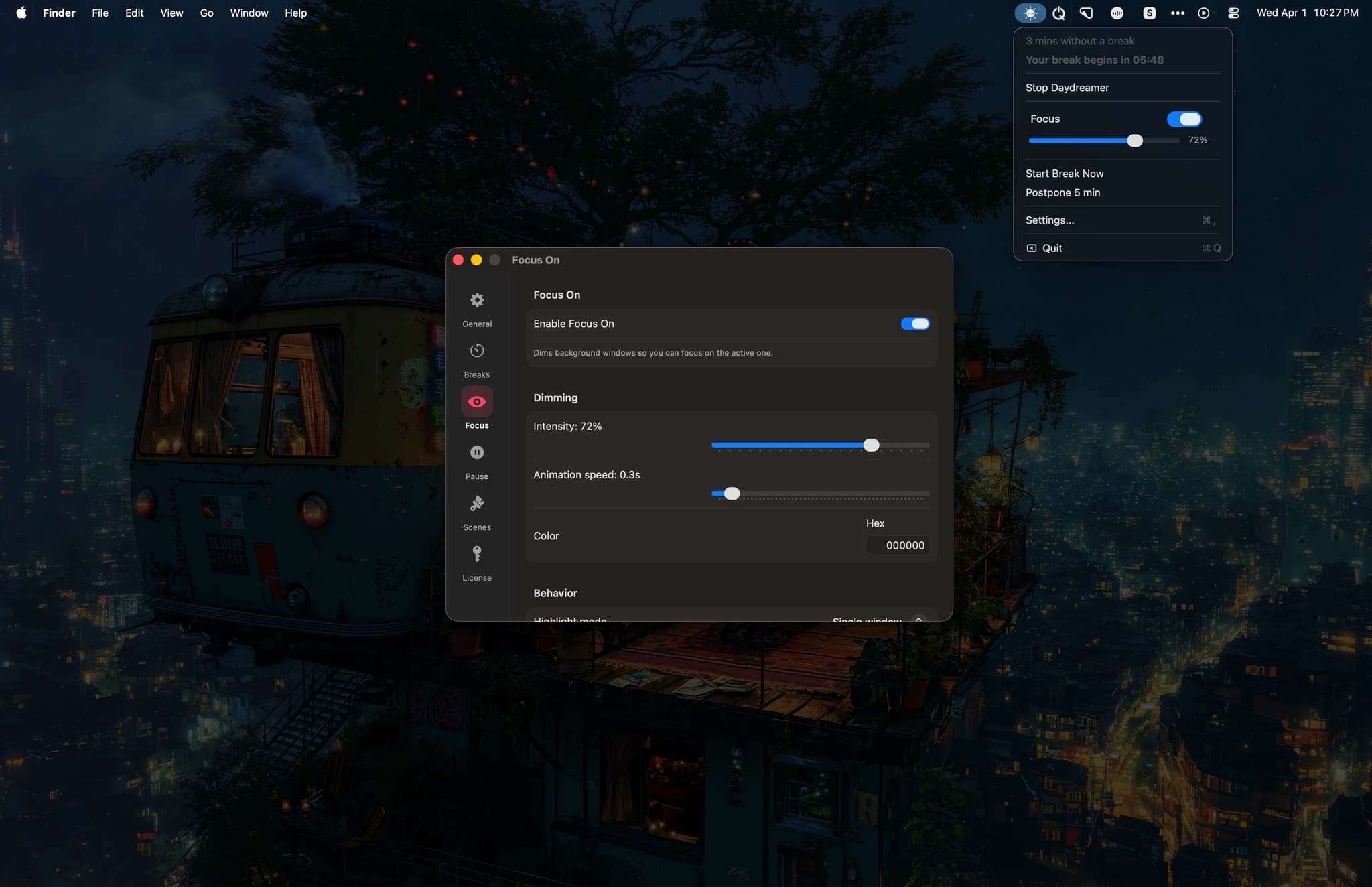
Focus Mode
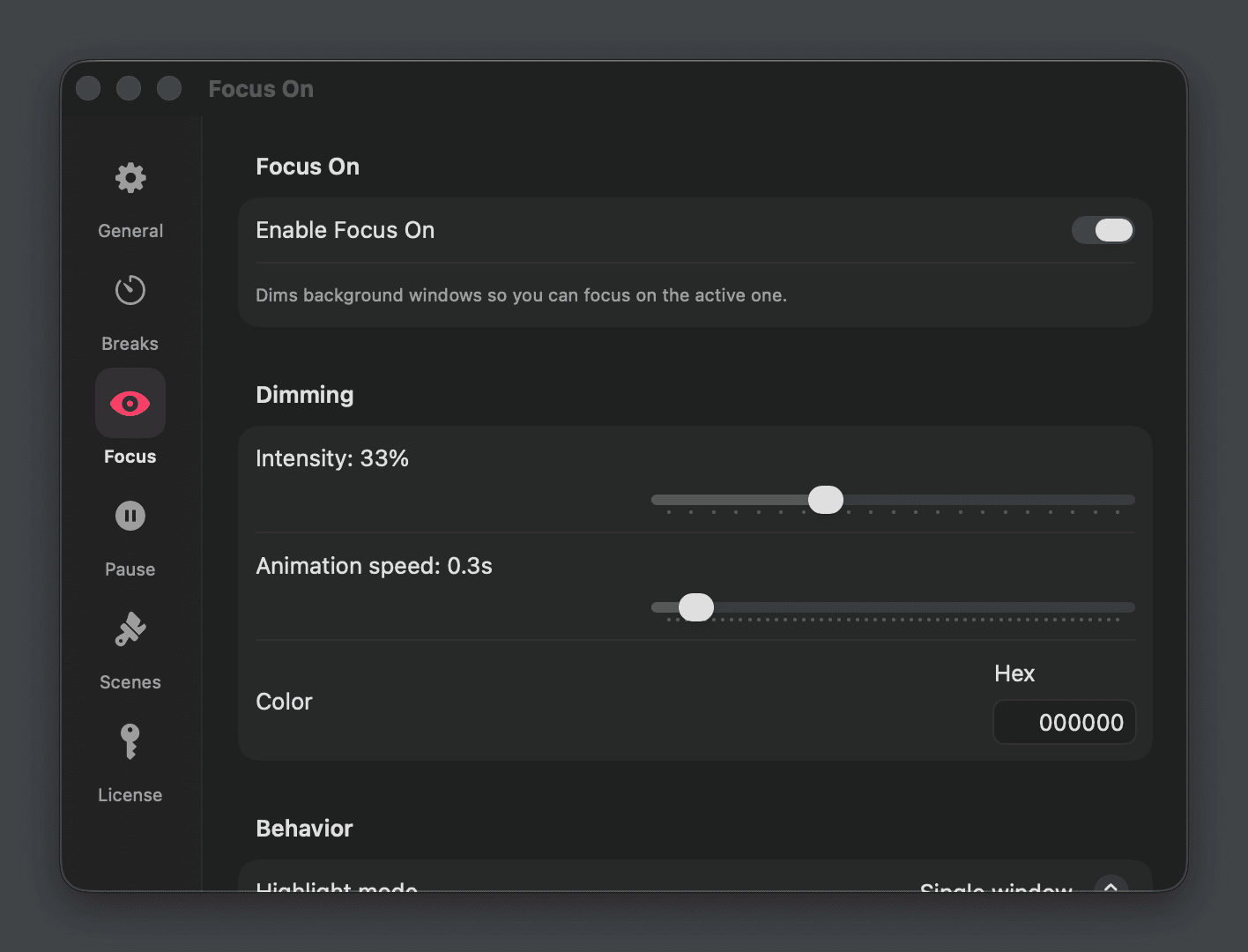
Dim everything except your active window so you can concentrate on what matters. Adjust intensity, animation speed, and color. Works across multiple monitors independently.
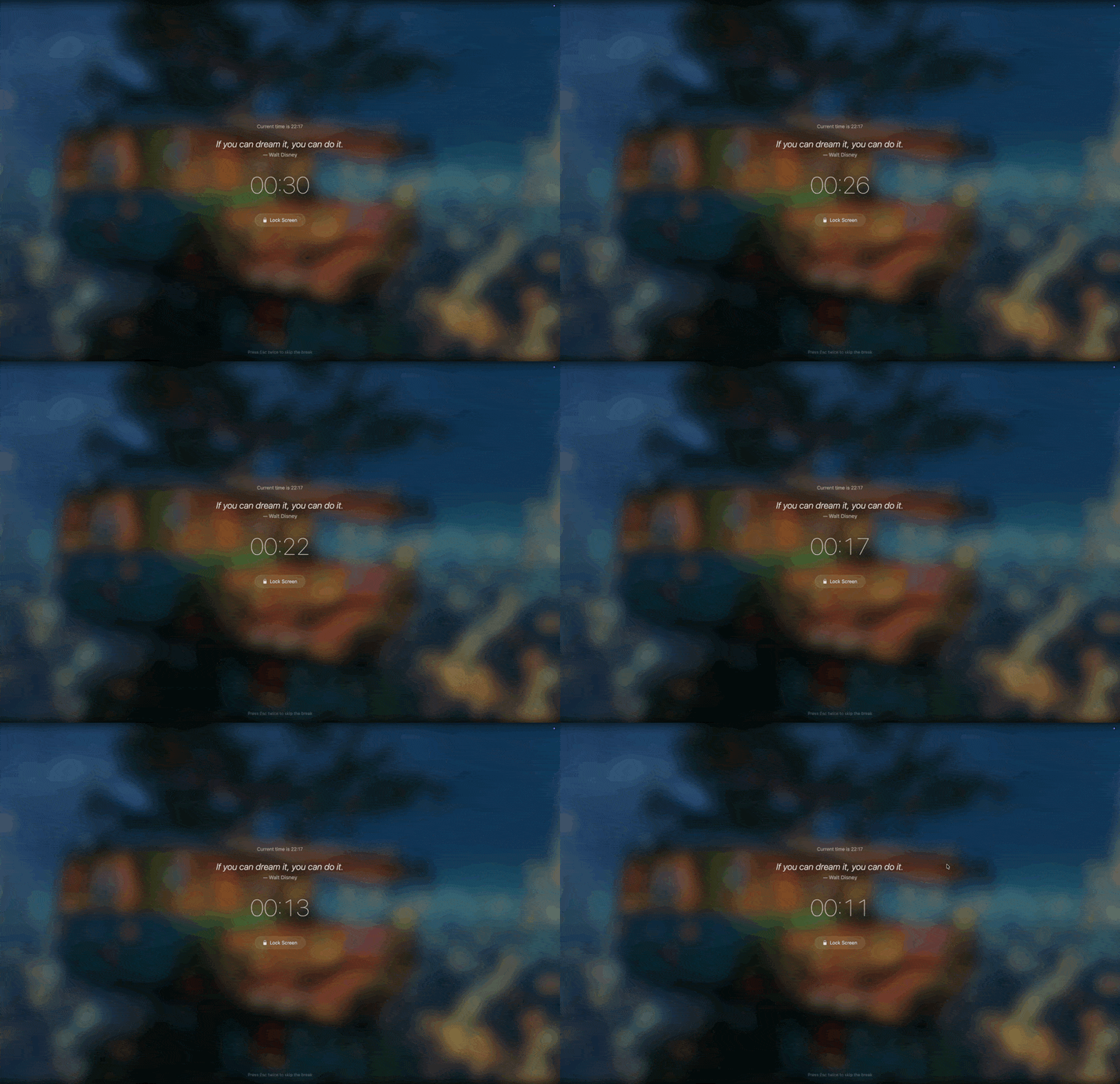
Inspirational Quotes
Each break shows a different quote from a curated collection of 150+ motivational and healing quotes. From Churchill to Rumi, Walt Disney to Confucius — a little wisdom with every rest.
Ambient Music
Breaks come with gentle background music that fades in and out smoothly. Use the built-in track or choose your own audio file. Adjust volume to your preference.
Smart Break Schedule
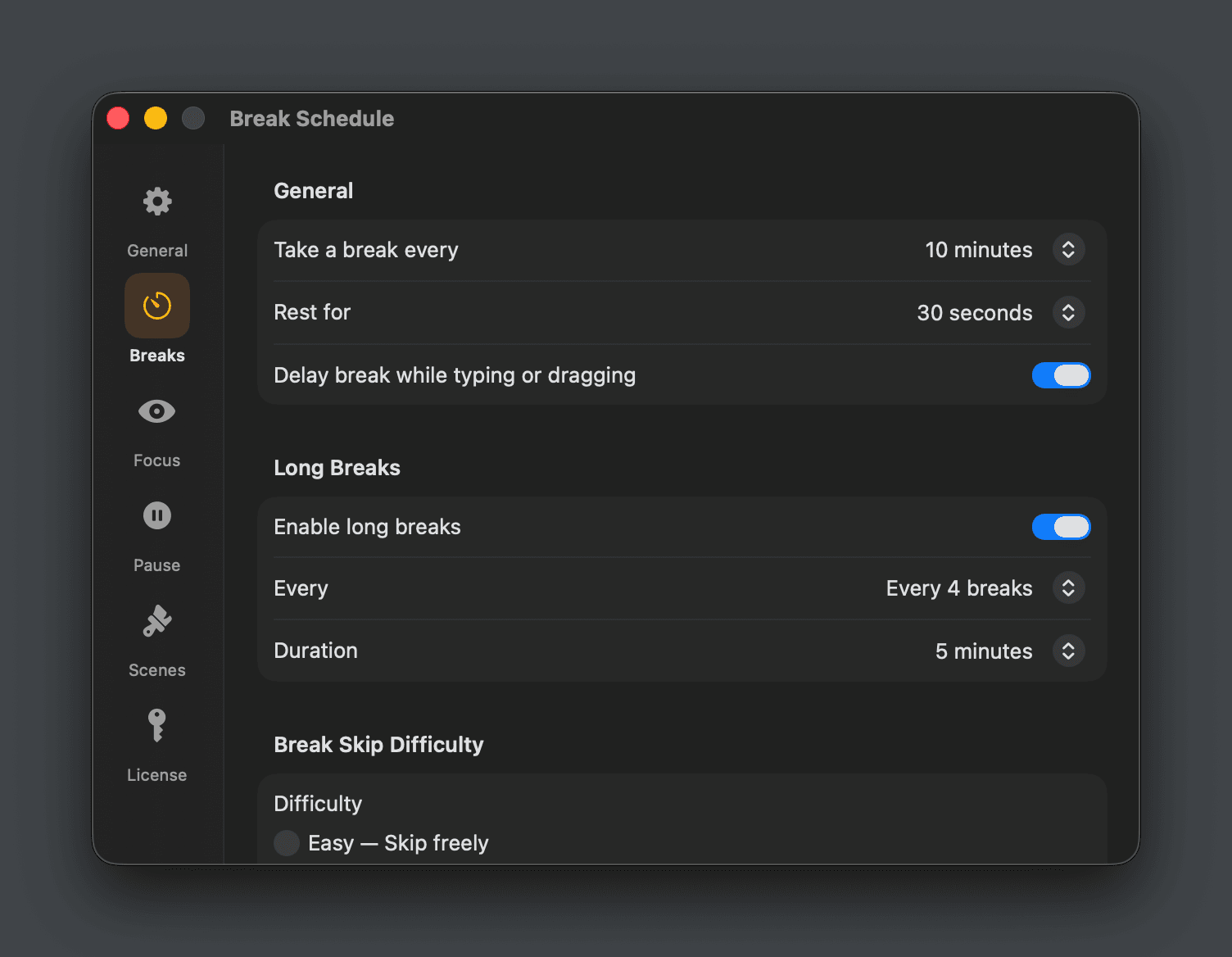
Customize how often you take breaks, how long they last, and set up long breaks at regular intervals. Preset options or fully custom timing — your schedule, your way.
Smart Pause
Daydreamer knows when you're in a meeting, watching a video, gaming, or presenting — and automatically pauses break reminders. No interruptions when it matters.
Everything for mindful breaks
From ambient scenes to focus tools — Daydreamer helps you work better by resting better.
Smart Pause
NewAuto-pauses during meetings, video playback, gaming, and fullscreen apps. Resumes when you're done.
Focus Mode
NewDims everything except your active window. Adjustable intensity, speed, and multi-monitor support.
Ambient Music
Gentle background music during breaks with smooth fade in/out. Use built-in or custom audio.
Break Backgrounds
Animated scenes with particles, blurred desktop wallpaper, or your own custom image.
Skip Difficulty
Three levels: Easy (skip freely), Normal (wait before skipping), or Strict (no skips allowed).
Lock Screen
One-click lock screen button during breaks. Step away and let your Mac rest too.
Fully Customizable
Custom break messages, timing, music, backgrounds, and skip behavior. Make it yours.
Long Breaks
Set longer breaks at regular intervals — every 3rd, 4th, or 5th break can be extended.
Keyboard Shortcuts
Global hotkeys to start breaks, toggle the timer, or activate Focus Mode instantly.
Every detail, polished.
Daydreamer break screen with starry night scene
Daydreamer Focus Mode dimming background windows
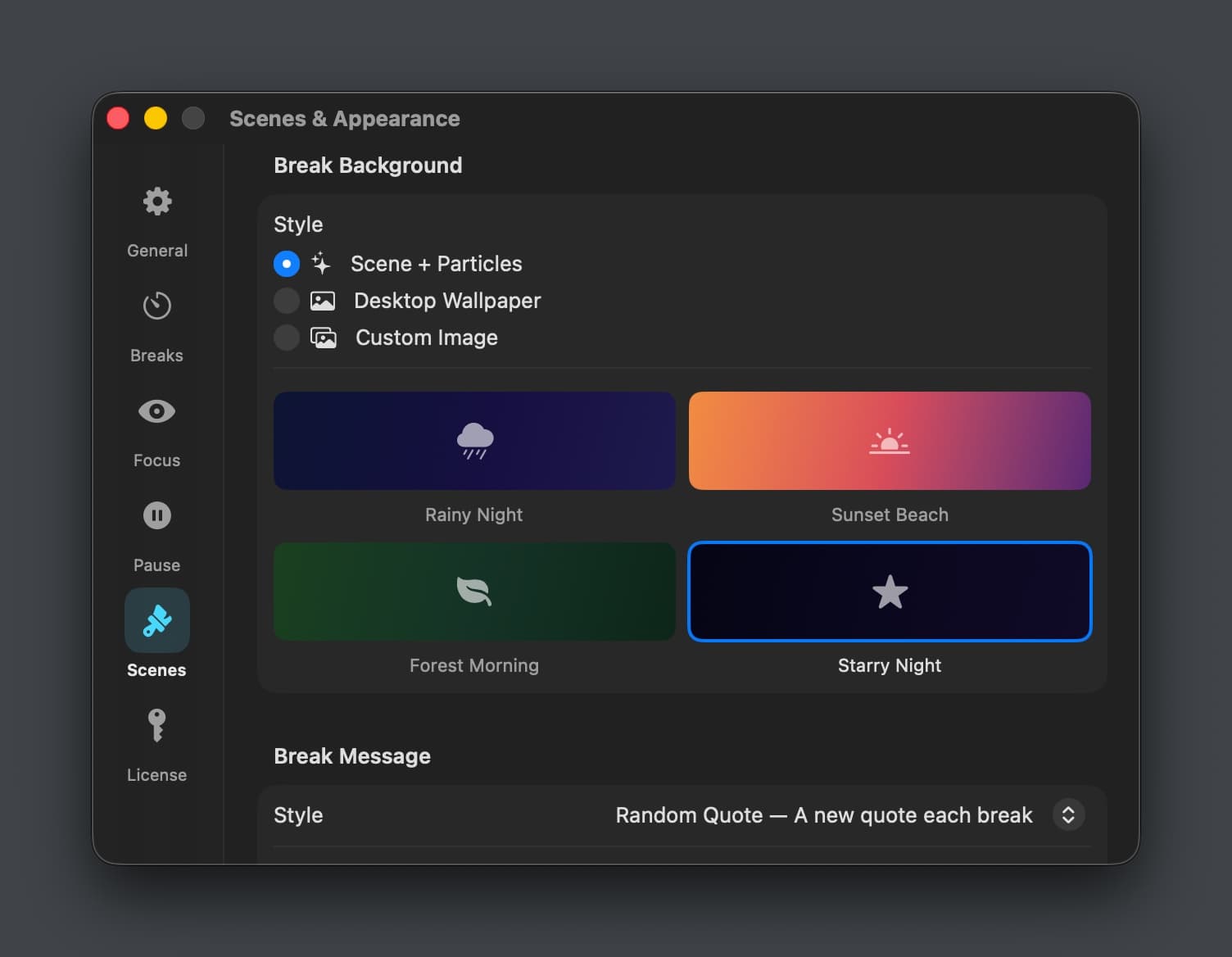
Daydreamer scene and appearance settings
Daydreamer break schedule customization
One price. Yours forever.
Daydreamer
$6.99
$9.99
Lifetime license
Launch Price- Beautiful break scenes with particles
- 150+ inspirational quotes
- Ambient music with fade in/out
- Focus Mode (dim distractions)
- Smart Pause (meetings, videos, games)
- Customizable timing & messages
- 3 devices per license
- Free updates forever
7-day free trial. No credit card required.
Daydreamer FAQ
Common questions about the break reminder for macOS.
How is Daydreamer different from other break reminders?
Daydreamer focuses on making breaks beautiful and enjoyable — not just a popup telling you to stop. Immersive scenes with animated particles, inspirational quotes, ambient music, and your own wallpaper as background make each break a moment of calm.
What is Focus Mode?
Focus Mode dims everything on screen except your active window, helping you concentrate on one task. You can adjust the dimming intensity, animation speed, and color. It works independently across multiple monitors.
Can I customize the break schedule?
Yes — preset intervals (10 min to 1 hour) or fully custom H:M:S timing. Break duration, long breaks, skip difficulty, and typing delay are all configurable.
Does it pause during meetings and videos?
Yes. Smart Pause automatically detects meetings (mic/camera active), video playback, fullscreen apps, and games — and pauses break reminders until you're done.
Where do the quotes come from?
150+ curated quotes from leaders, philosophers, authors, and films. A different quote each break, cycling through all before repeating. The collection updates automatically over time.
Is there a free trial?
Yes, 7-day free trial with full access to every feature. No credit card required.