
Gauss
A notepad-style calculator for macOS — the free, open-source alternative to Numi.
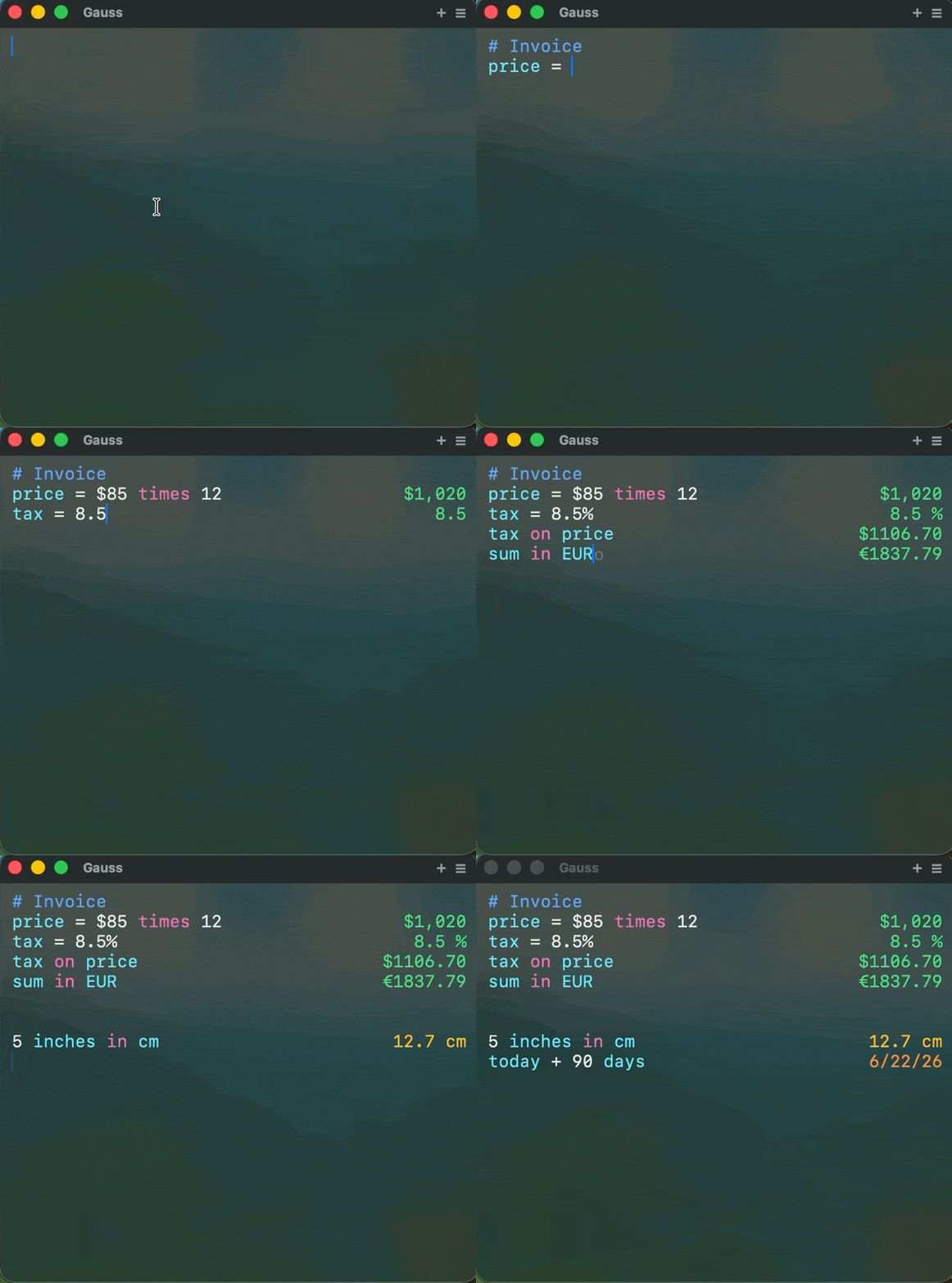
A calculator that thinks like you do
Gauss is a notepad-style calculator for macOS. Type math the way you think — with words, units, and currencies — and get instant results on every line. No buttons, no equals sign, no separate conversion apps.
Built for developers, designers, and anyone who does quick math throughout the day. Summon it with a hotkey, type your expression, and get back to work. Variables carry across lines, results auto-save, and everything runs locally on your Mac. Gauss is open source and free forever — no trial, no feature gating, no subscription.
Natural Language Math
Type expressions the way you think. Write "20% of 150" or "$45 + tax" and get instant results — no buttons, no equals sign needed.
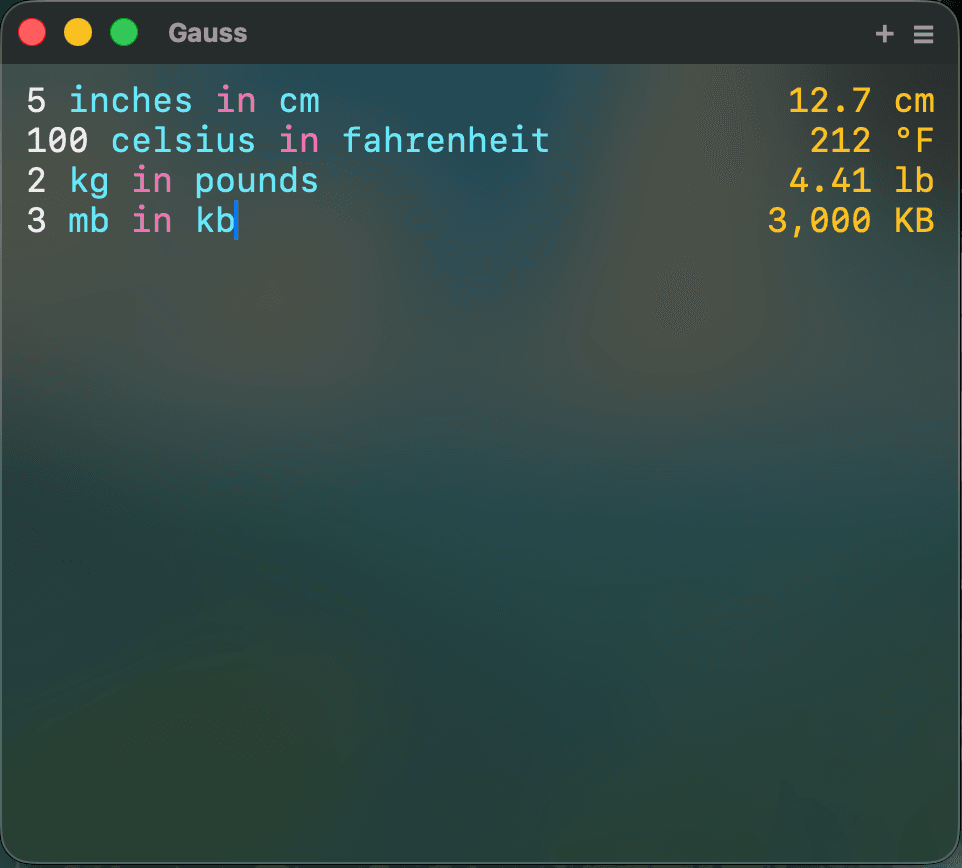
Live Currency Conversion
170+ currencies with real-time exchange rates. Type "100 USD in EUR" and see the result update as you type. Rates are cached for offline use.
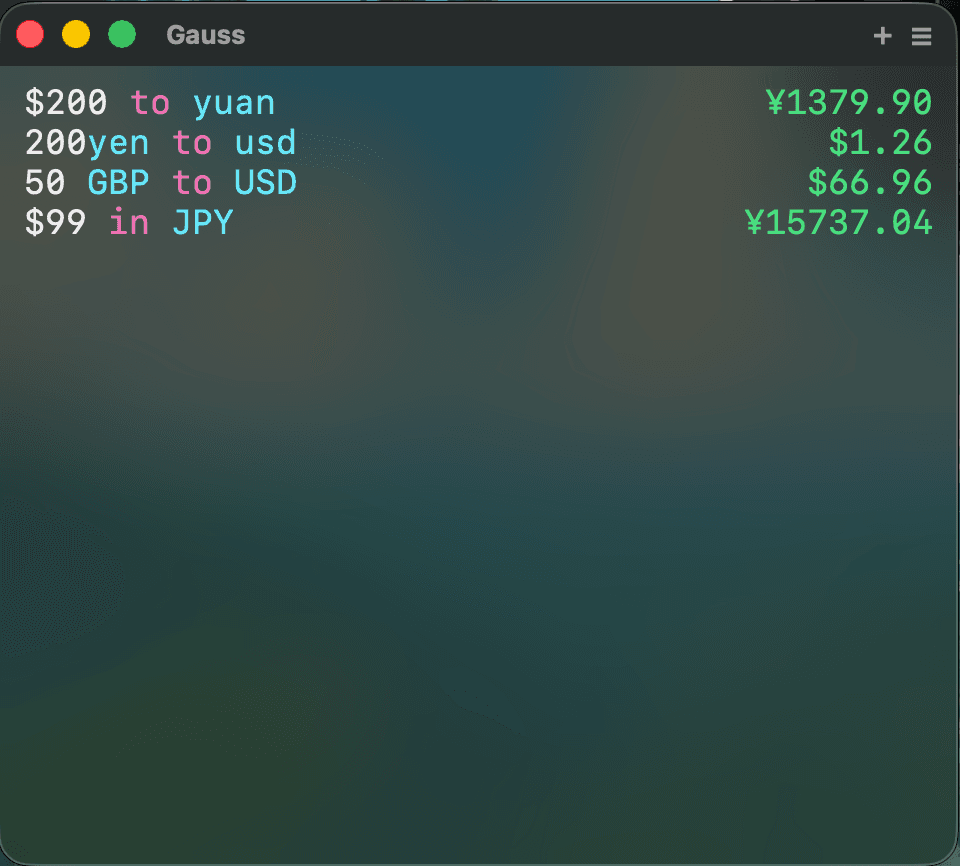
Developer Tools
Colors, base64, hex, timestamps — built right in. Convert between HEX, RGB, and HSL. Encode and decode base64 strings. All without leaving the notepad.
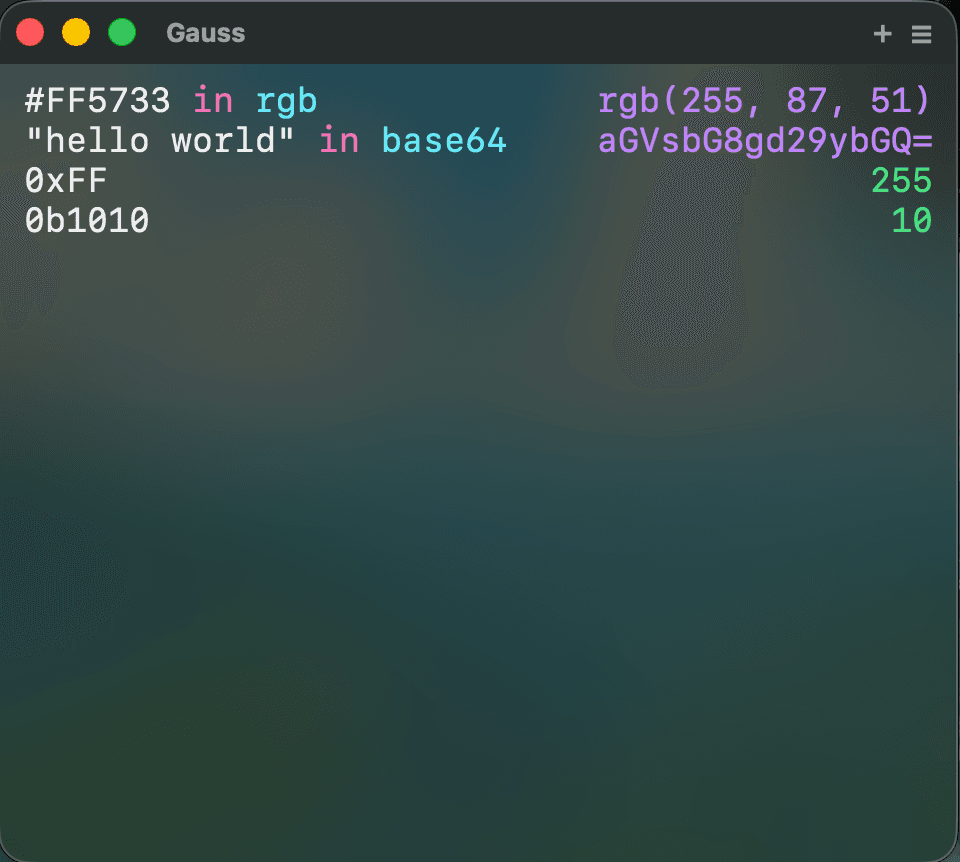
Smart Autocomplete
Ghost text suggestions appear as you type, helping you discover functions and complete expressions faster. Accept with Tab and keep going.
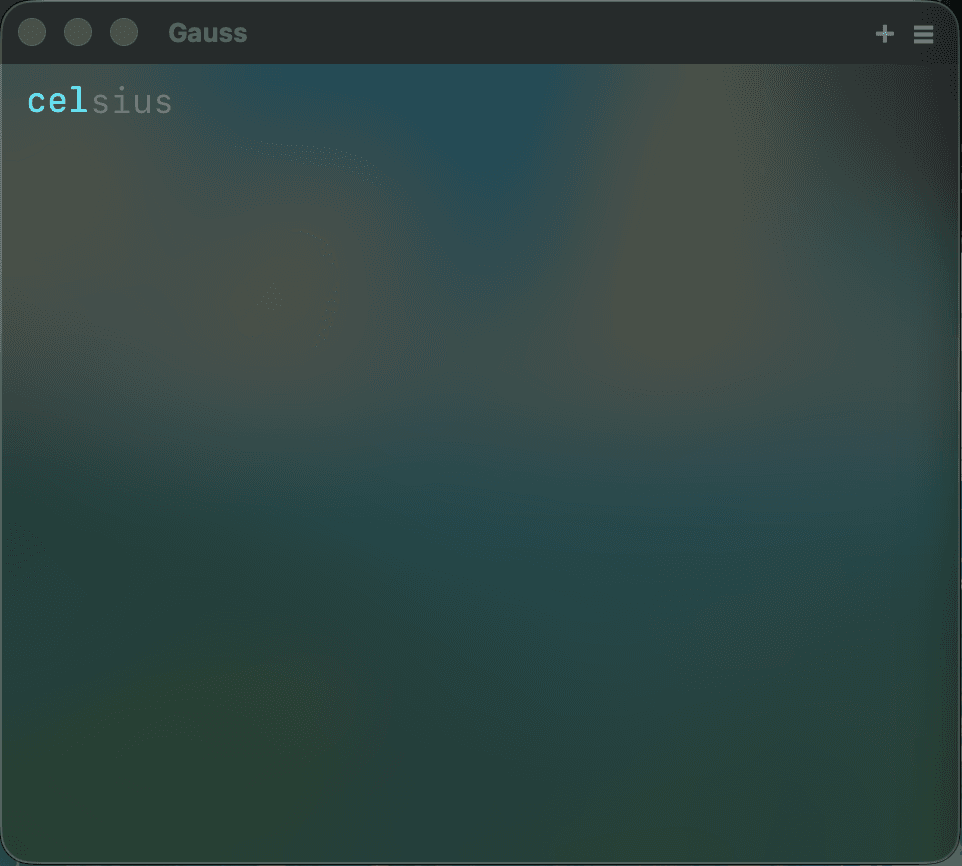
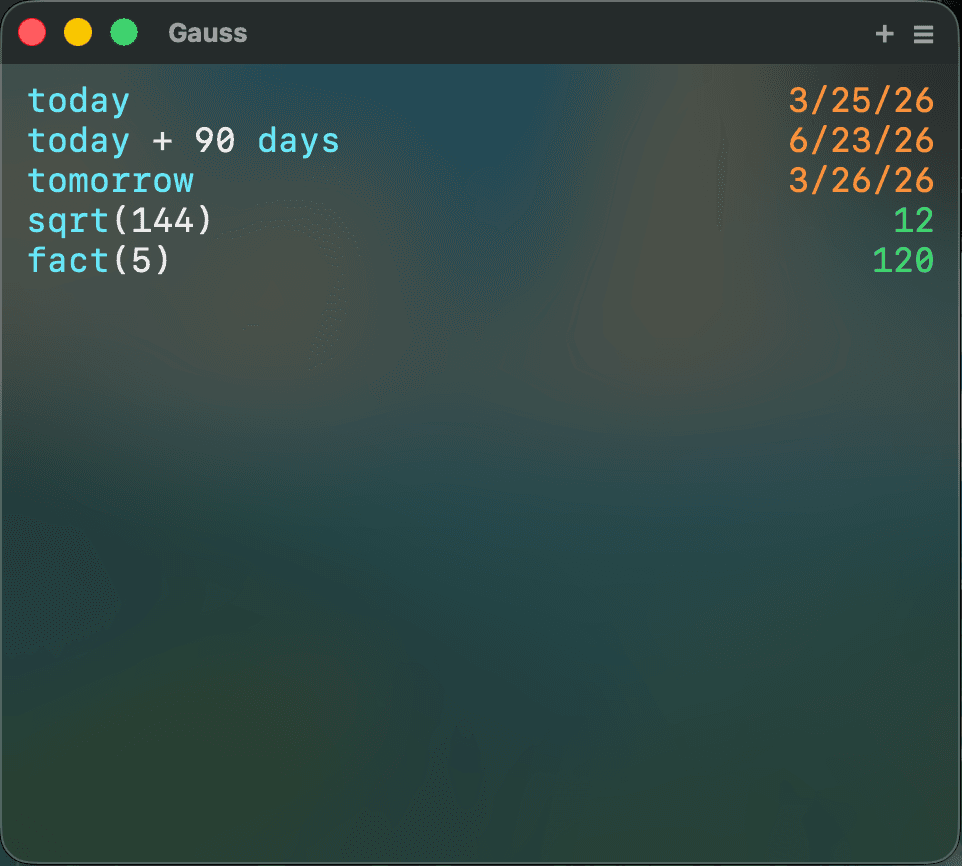
Dates & Functions
Date arithmetic, trigonometry, factorials, and more. Calculate days between dates, add weeks to a date, or use any of 20 built-in math functions.
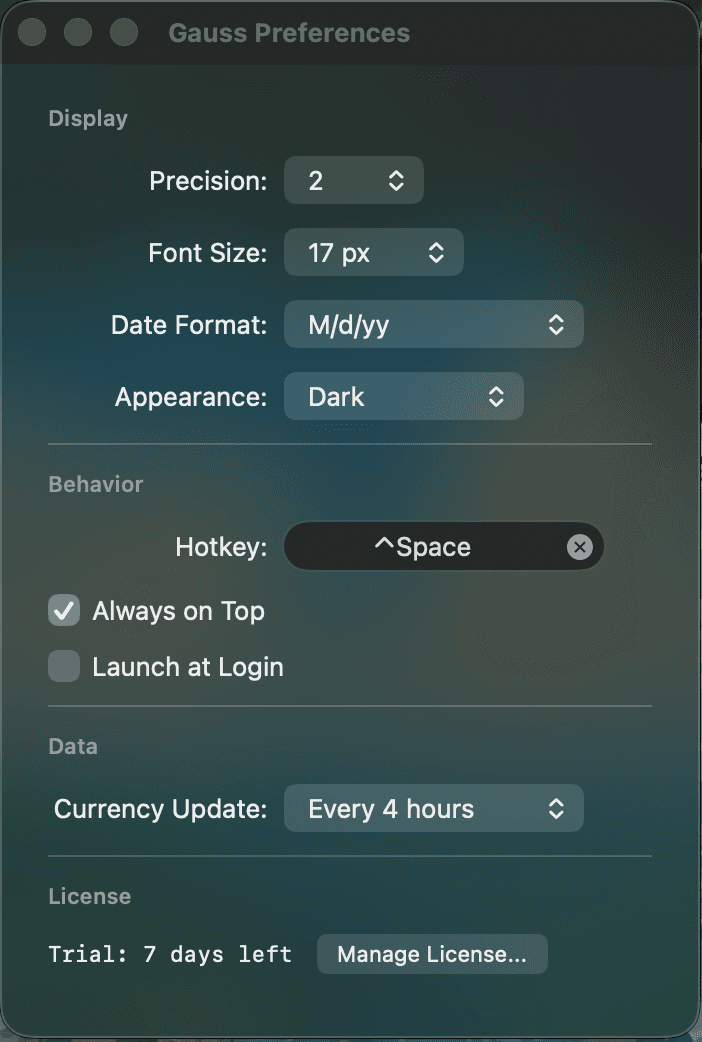
Customizable
Precision, font size, appearance, hotkeys — make Gauss yours. Set decimal places from 0 to 10, choose your date format, and assign a global hotkey.
Everything you need, nothing you don't
From variables to currency exchange — Gauss packs serious power into a clean, focused interface.
Variables & References
NewUse sum, avg, and prev to reference earlier lines. Assign variables and reuse them throughout your notepad.
Percentage Operations
Intuitive percentage math: "20% of 150", "15% on 200", "30% off 80" — all work as you'd expect.
Unit Conversions
80+ units across length, weight, temperature, time, data, and more. Type naturally: "5 km in miles".
Currency Exchange
170+ currencies with live rates. Convert between USD, EUR, GBP, JPY, and more with a simple expression.
Math Functions
20 built-in functions: sin, cos, tan, log, sqrt, abs, ceil, floor, round, and more.
Number Systems
Convert between hex, binary, octal, and decimal. Prefix with 0x, 0b, or 0o for instant conversion.
Date Arithmetic
Calculate days between dates, add or subtract time. "today + 30 days" or "2024-01-01 to 2024-12-31".
Base64 Encoding
Encode and decode base64 strings directly in the notepad. Great for quick developer tasks.
Color Conversion
Convert between HEX, RGB, and HSL color formats. Type a color code and see all representations.
Global Hotkey
Summon Gauss instantly with Control+Space (customizable). It stays out of your way until you need it.
Auto-save
Your notepad is saved automatically. Pick up right where you left off every time you open Gauss.
Export & Copy
Copy individual results or export your entire notepad. Share calculations with your team effortlessly.
Every detail, polished.
Gauss unit conversion and natural language math
Gauss live currency conversion
Gauss developer tools — color, base64, hex
Gauss date arithmetic and math functions
$0
No trial. No feature gating. No subscription.
- Natural language math input
- 80+ unit conversions
- 170+ live currencies
- Developer tools (color, base64, hex)
- Smart autocomplete
- Variables across lines
- Global keyboard shortcut
- Signed & notarized by Apple
- Source code on GitHub
Gauss FAQ
Common questions about the free, open-source notepad calculator for macOS.
Is Gauss really free?
Yes. Gauss is free forever — no trial, no feature gating, no subscription. It's open source under the MIT license, so you can use, modify, and build from source freely.
How is this different from Numi?
Gauss is free and open source, has developer-friendly features like color conversion, base64, and timestamp tools, and features a modern Liquid Glass design built for the latest macOS.
Does it work offline?
Yes, all calculations are instant and local. Only currency rates need internet, and they are cached for offline use.
What about AI calculators?
Gauss gives instant, deterministic results with zero latency. No waiting, no hallucinations, no internet required.
Can I customize the precision?
Yes, decimal precision (0-10), date format, font size, appearance mode, and hotkey are all configurable.
Is the app signed and notarized?
Yes. The DMG from GitHub Releases is signed with a Developer ID certificate and notarized with Apple. macOS Gatekeeper will let you open it without any warnings.
Can I build Gauss from source?
Yes. Clone the repo, install XcodeGen (`brew install xcodegen`), run `xcodegen generate`, and open in Xcode. The calculation engine (GaussEngine) is a standalone Swift Package you can even embed in your own projects.
What macOS version is required?
macOS 14.0 (Sonoma) or later.