
ImageMini Pro
Shrink images. Keep quality — the free, open-source image optimizer for macOS.
Compress images on your Mac without bouncing between web tools
ImageMini Pro is built for people who work with screenshots, product images, blog assets, and design exports all day. Instead of sending files to a browser tab or juggling multiple optimization tools, you can compress everything locally from one focused macOS app.
The workflow is designed to stay fast even when you are handling big batches. Drop in a folder, review savings, compare image quality, and tune the compression mode for the result you want. ImageMini Pro is open source and free forever — no trial, no feature gating, no subscription.
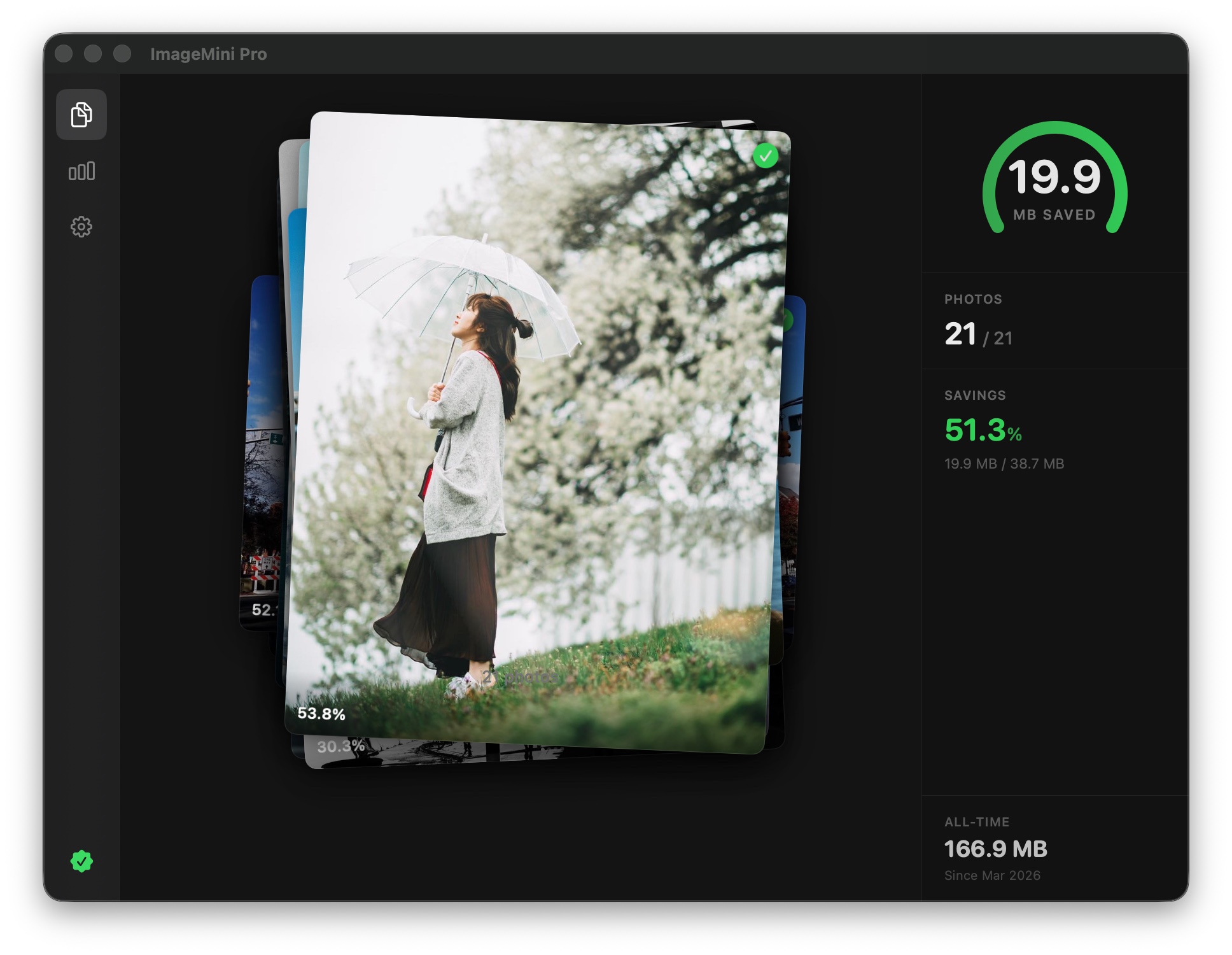
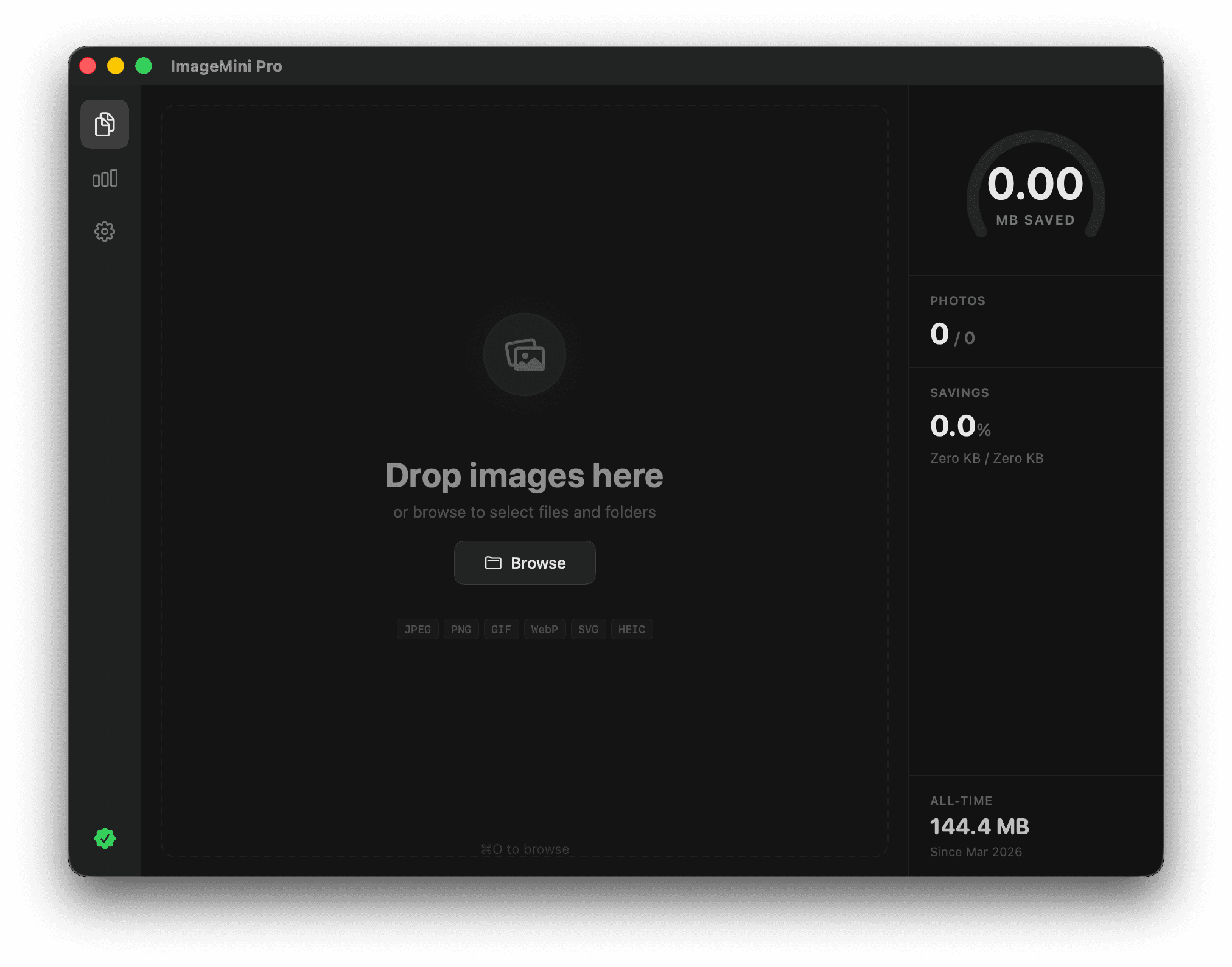
Drop, optimize, done
Drag your images onto the window and watch them shrink instantly. PNG, JPEG, GIF, WebP, SVG, HEIC, and DNG — all supported out of the box.
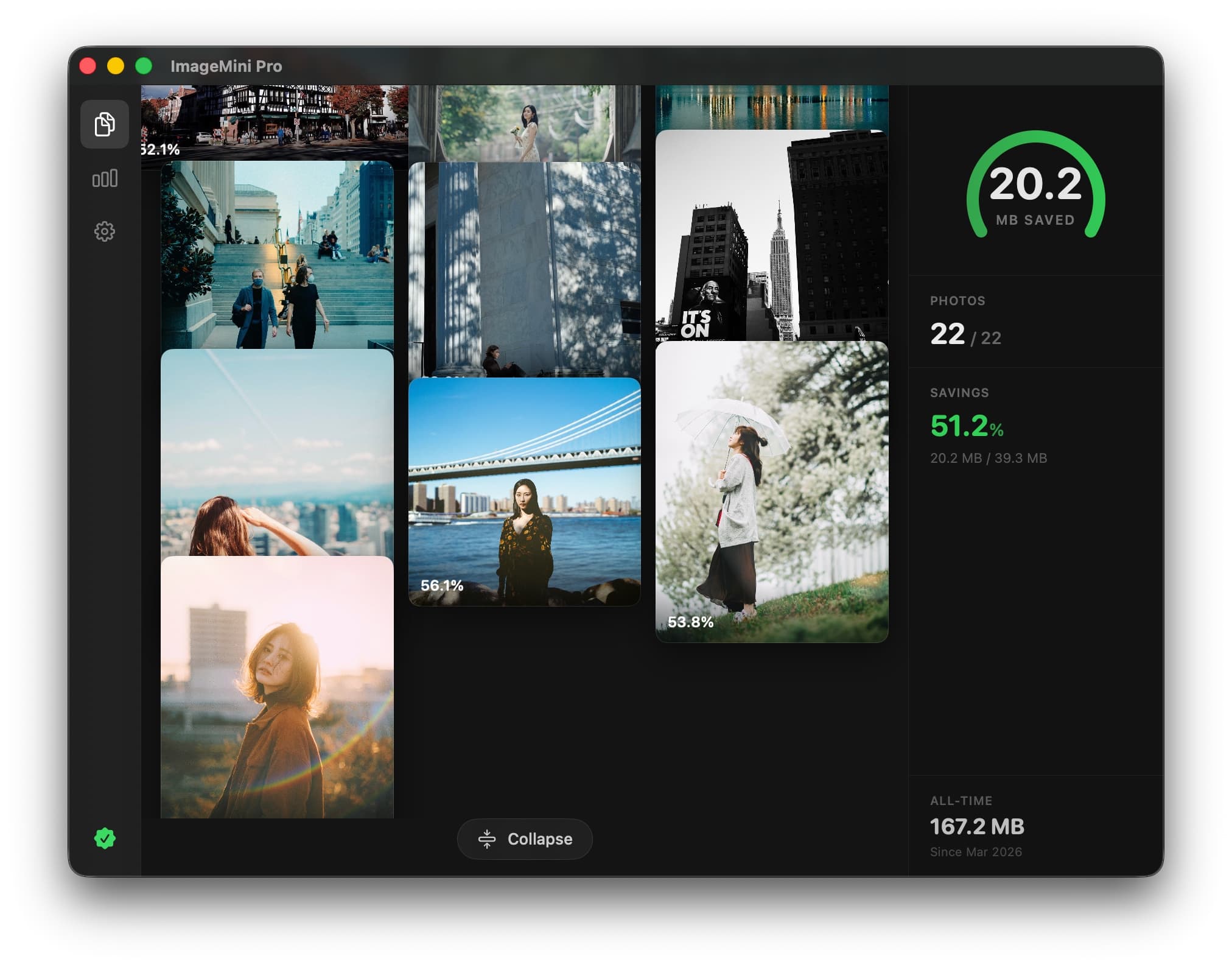
Batch process with ease
Drop hundreds of images at once. ImageMini Pro processes them all in parallel, showing real-time progress for every file.
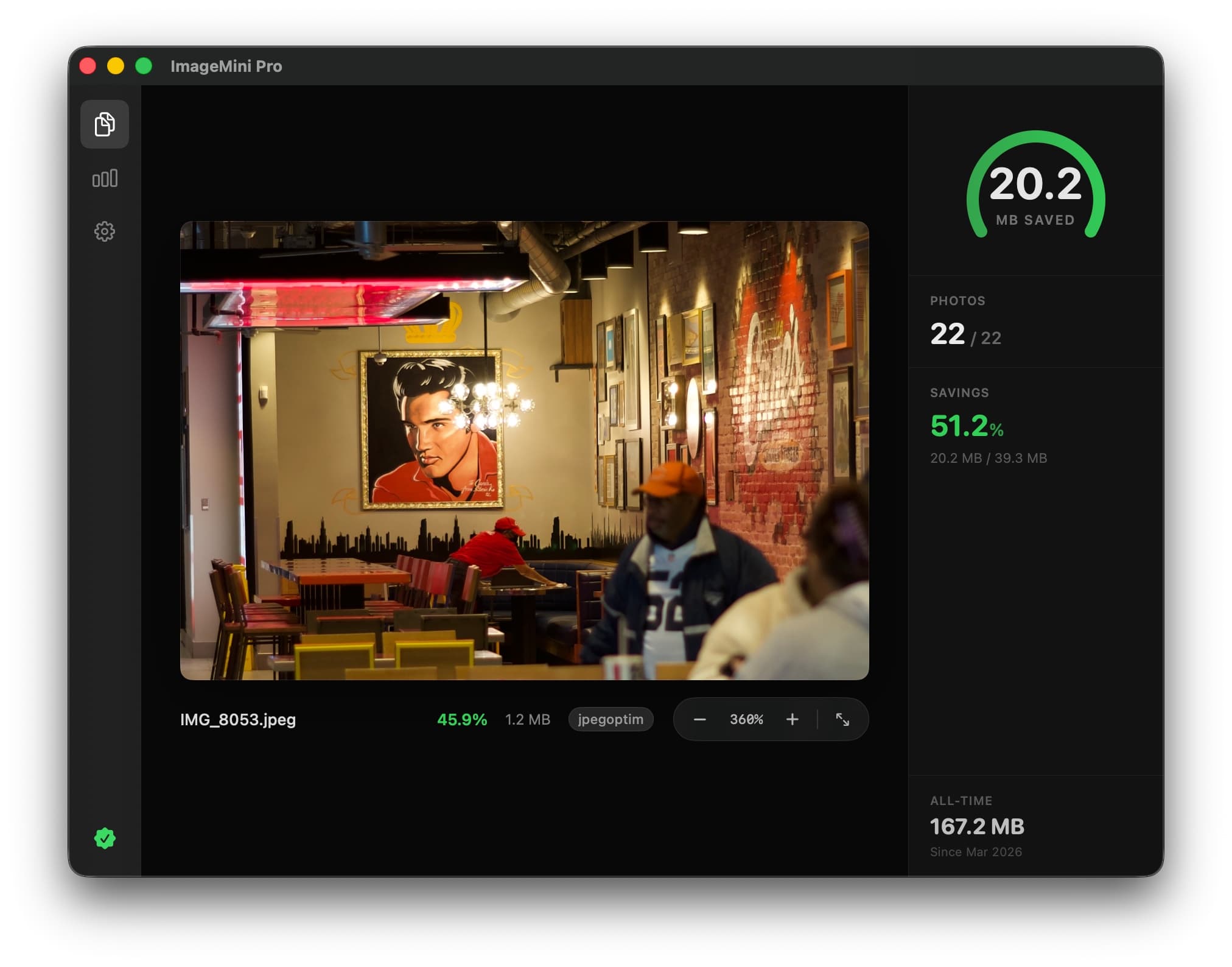
Preview every detail
Zoom into your optimized images to verify quality. Compare before and after side by side — no guesswork needed.
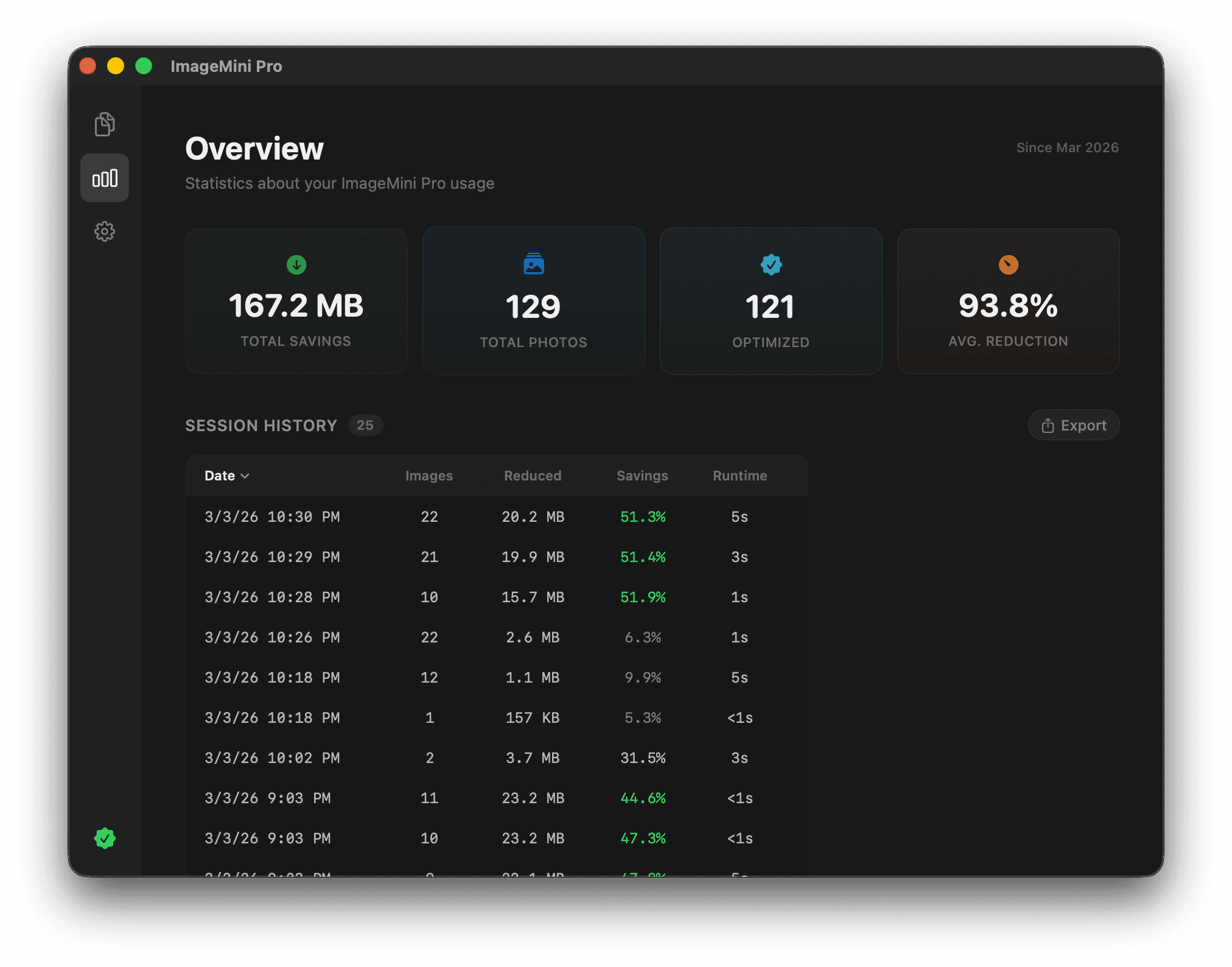
Track your savings
See exactly how much space you saved with a detailed analytics dashboard. File counts, total savings, and per-image statistics at a glance.
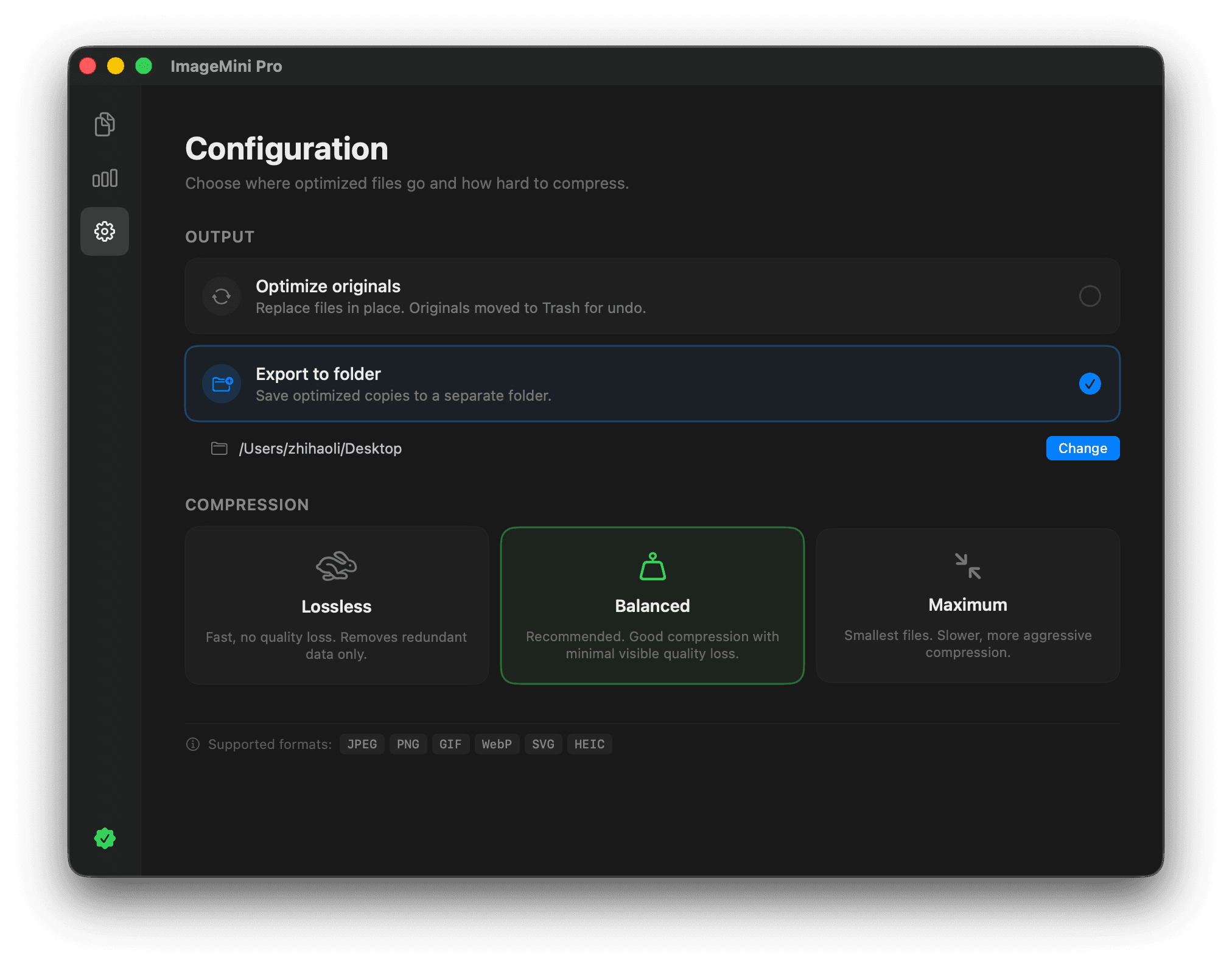
Full control over compression
Choose from lossless, balanced, or maximum compression. Fine-tune quality settings per format. You decide the perfect balance between size and quality.
Built for serious image work
Professional features that make ImageMini Pro the go-to compression tool on macOS.
DNG / RAW support
NewCompress DNG raw files from cameras like Leica with lossless LJPEG-92 compression. No quality loss, smaller files.
7 formats, one app
JPEG, PNG, GIF, WebP, SVG, HEIC, and DNG — all optimized natively with dedicated engines per format.
Privacy first
Everything runs locally on your Mac. No uploads, no cloud processing, no tracking. Your images never leave your machine.
Parallel processing
Multi-core compression uses all your CPU cores. Hundreds of images processed simultaneously.
Smart presets
Three modes: Lossless, Balanced, Maximum. Pick one and go — or fine-tune per format for full control.
Auto updates
Sparkle-powered updates keep you on the latest version automatically. New formats and improvements ship fast.
Every detail, polished.
ImageMini Pro drag and drop interface
ImageMini Pro savings dashboard
ImageMini Pro compression settings
ImageMini Pro batch processing
$0
No trial. No feature gating. No subscription.
- All formats: PNG, JPEG, GIF, WebP, SVG, HEIC, DNG
- Batch processing — hundreds at once
- Lossless & lossy compression modes
- Real-time preview with zoom
- Detailed savings analytics
- Runs locally — images never leave your Mac
- Signed & notarized by Apple
- Source code on GitHub
ImageMini Pro FAQ
Quick answers about the free, open-source image optimizer for macOS.
Is ImageMini Pro really free?
Yes. ImageMini Pro is free forever — no trial, no feature gating, no subscription. It's open source under the MIT license, so you can use, modify, and build from source freely.
How do I compress images on Mac without using a website?
ImageMini Pro lets you compress images locally on macOS, so you can optimize files directly on your Mac without uploading them to an online service.
Can ImageMini Pro batch optimize lots of files at once?
Yes. You can drag in folders or large batches of files and process them together, which is useful when preparing screenshots, marketing assets, or export sets.
What image formats does ImageMini Pro support?
It supports PNG, JPEG, GIF, WebP, SVG, HEIC, and DNG (Digital Negative). This includes raw files from cameras like Leica, compressed with lossless LJPEG-92.
Is the app signed and notarized?
Yes. The DMG from GitHub Releases is signed with a Developer ID certificate and notarized with Apple. macOS Gatekeeper will let you open it without any warnings.
Can I build ImageMini Pro from source?
Yes. Clone the repo, install XcodeGen (`brew install xcodegen`), run `xcodegen generate`, and open in Xcode. The project is a single SwiftUI target with a Sparkle dependency.
What macOS version is required?
macOS 14.0 (Sonoma) or later, on Apple Silicon (arm64).