
MacCue
Cue every command on your Mac — the free, open-source command palette for macOS.
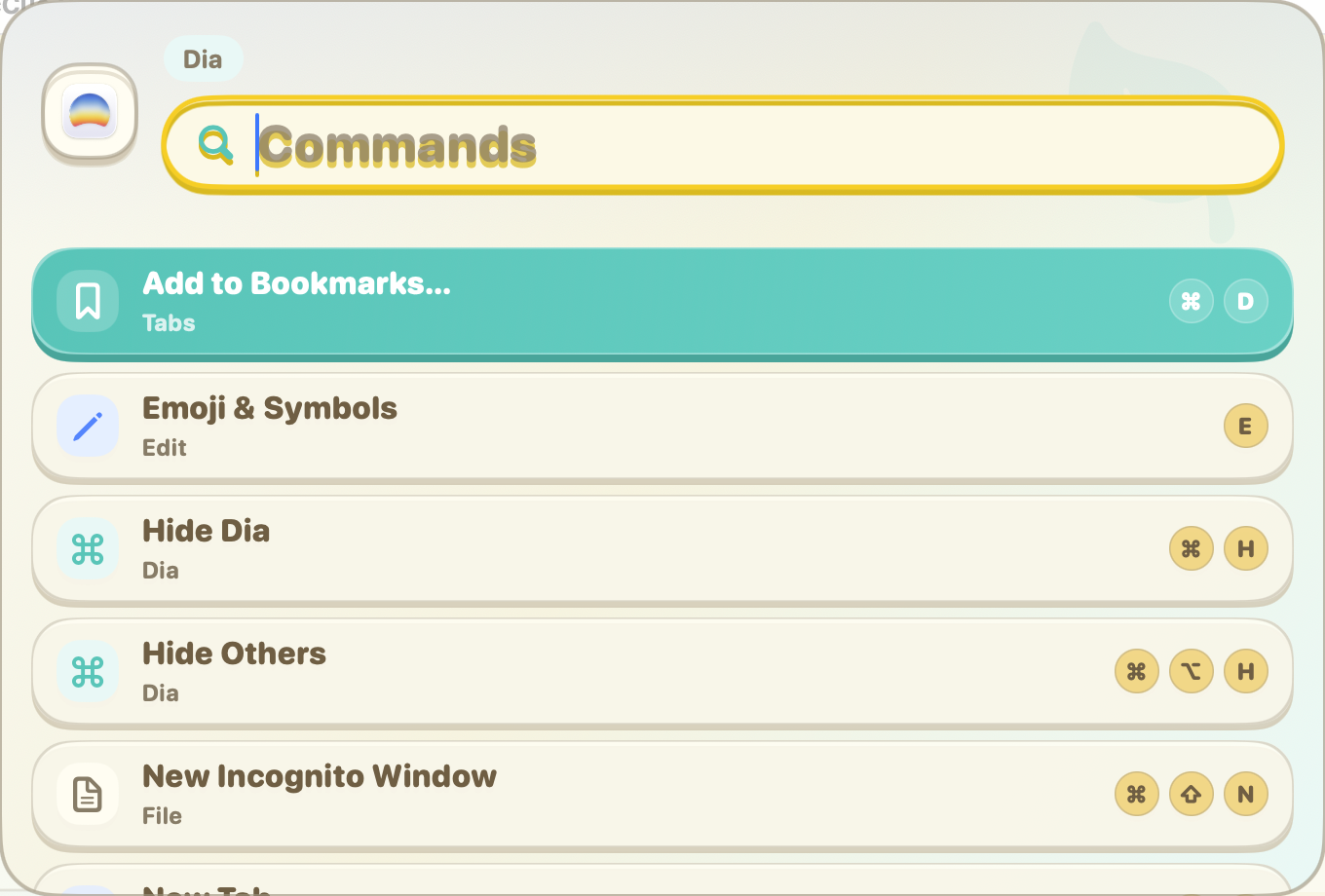
Stop digging through menu bars
MacCue brings a command palette to apps that never had one. Search menu commands, learn shortcuts, and run actions without breaking your flow.
Keep it global, disable it for apps with their own palette, or add your own local commands for the workflows you repeat every day. MacCue is open source and free forever — no trial, no feature gating, no subscription.
Search every app menu
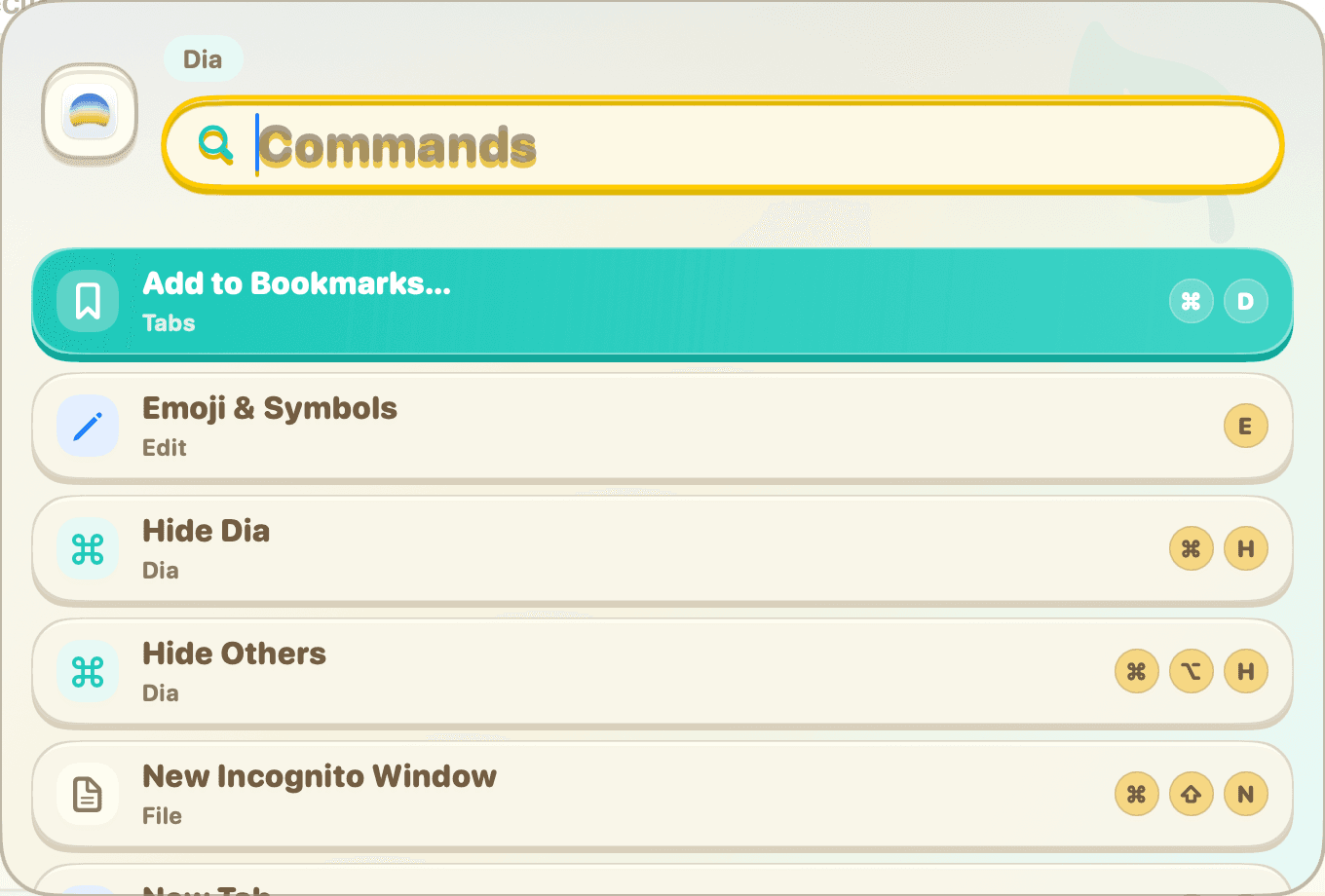
Press the global hotkey and MacCue turns the front app's menu bar into a searchable command palette, so hidden commands are easy to find without leaving the keyboard.
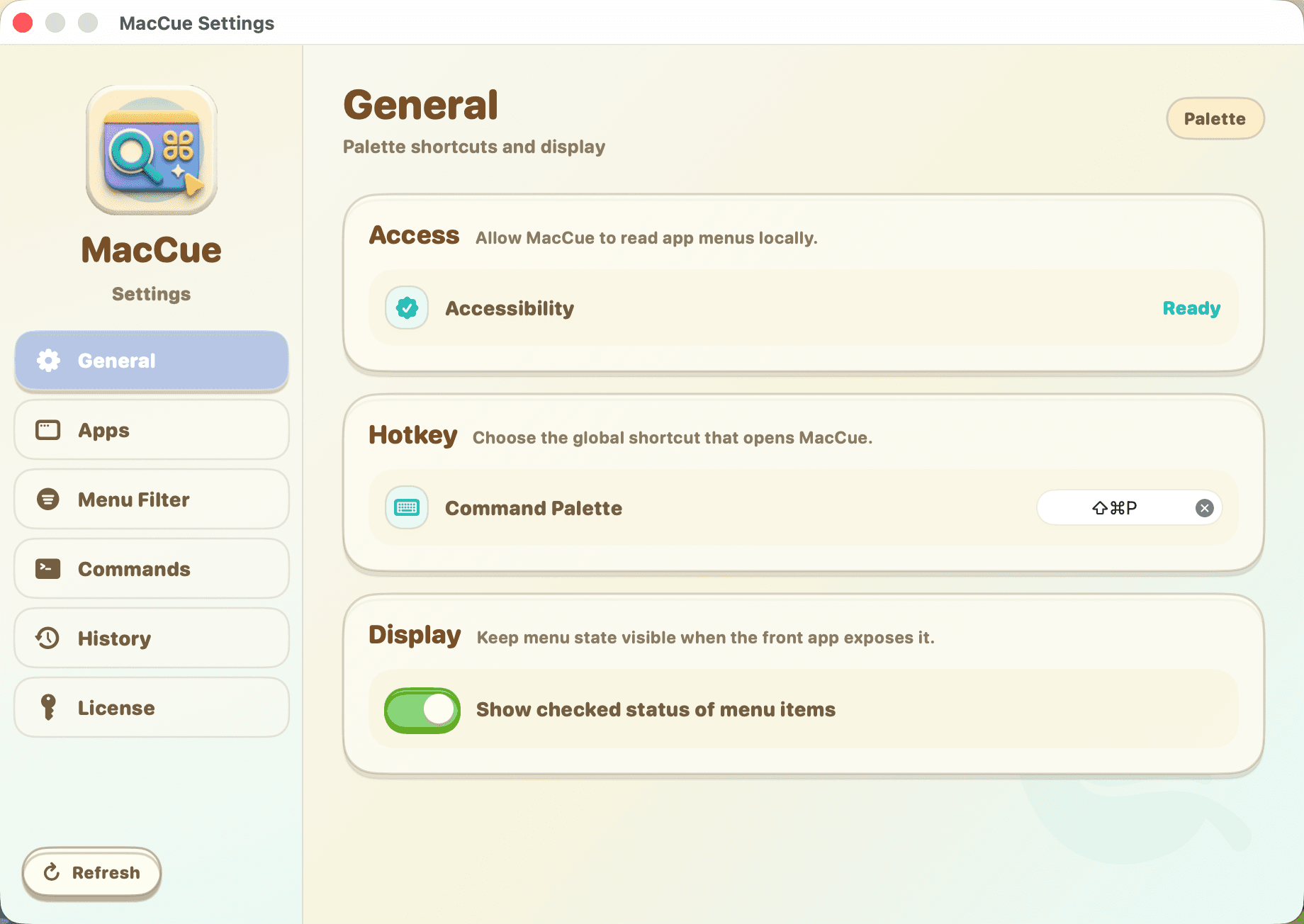
A warm settings space
Tune shortcuts, app behavior, menu filters, and custom actions in a playful settings UI that matches MacCue's soft, friendly command palette.
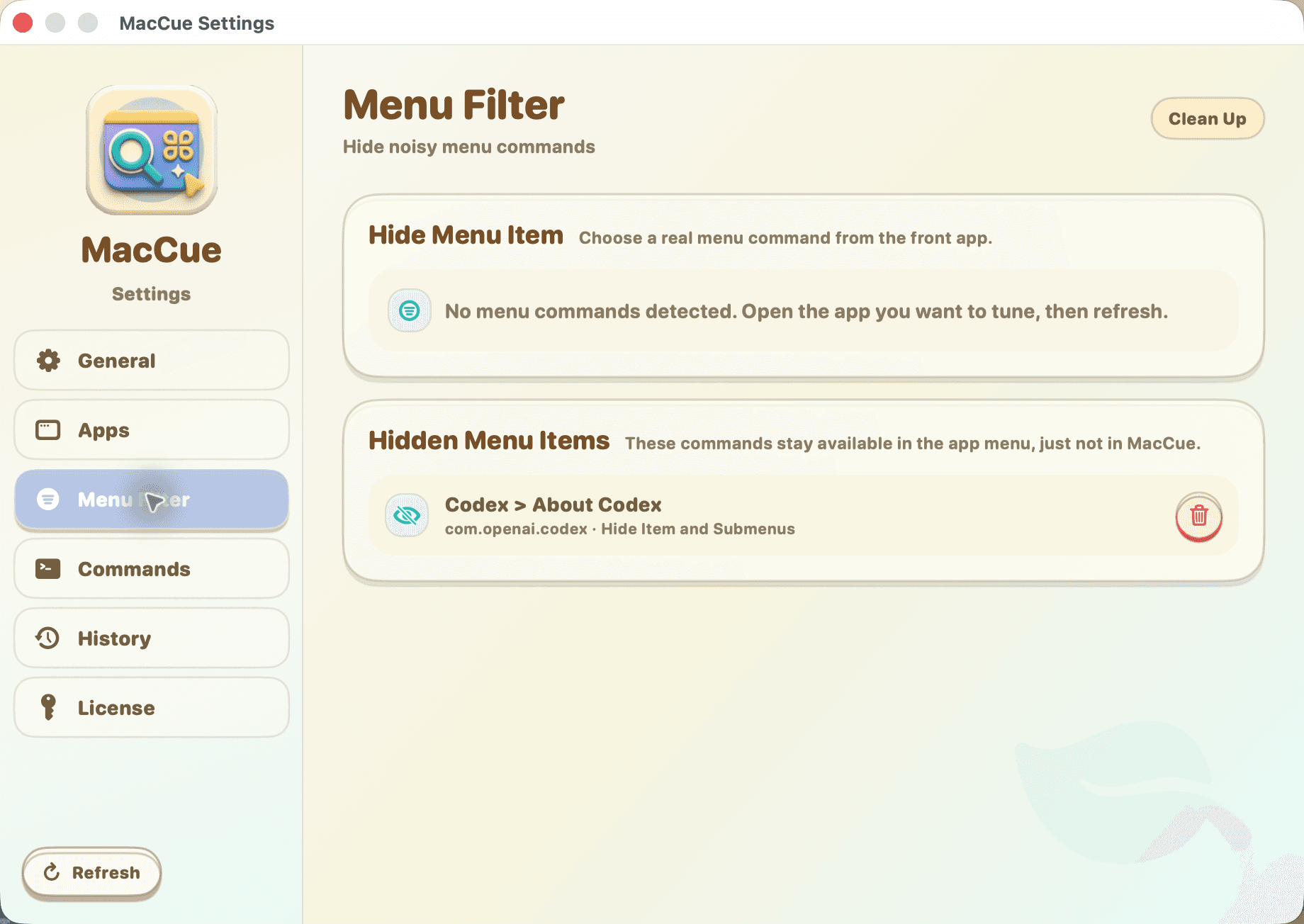
Hide noisy commands
Clean up repetitive menu items per app. Hidden commands stay available in the original app menu, but they stop crowding your MacCue results.
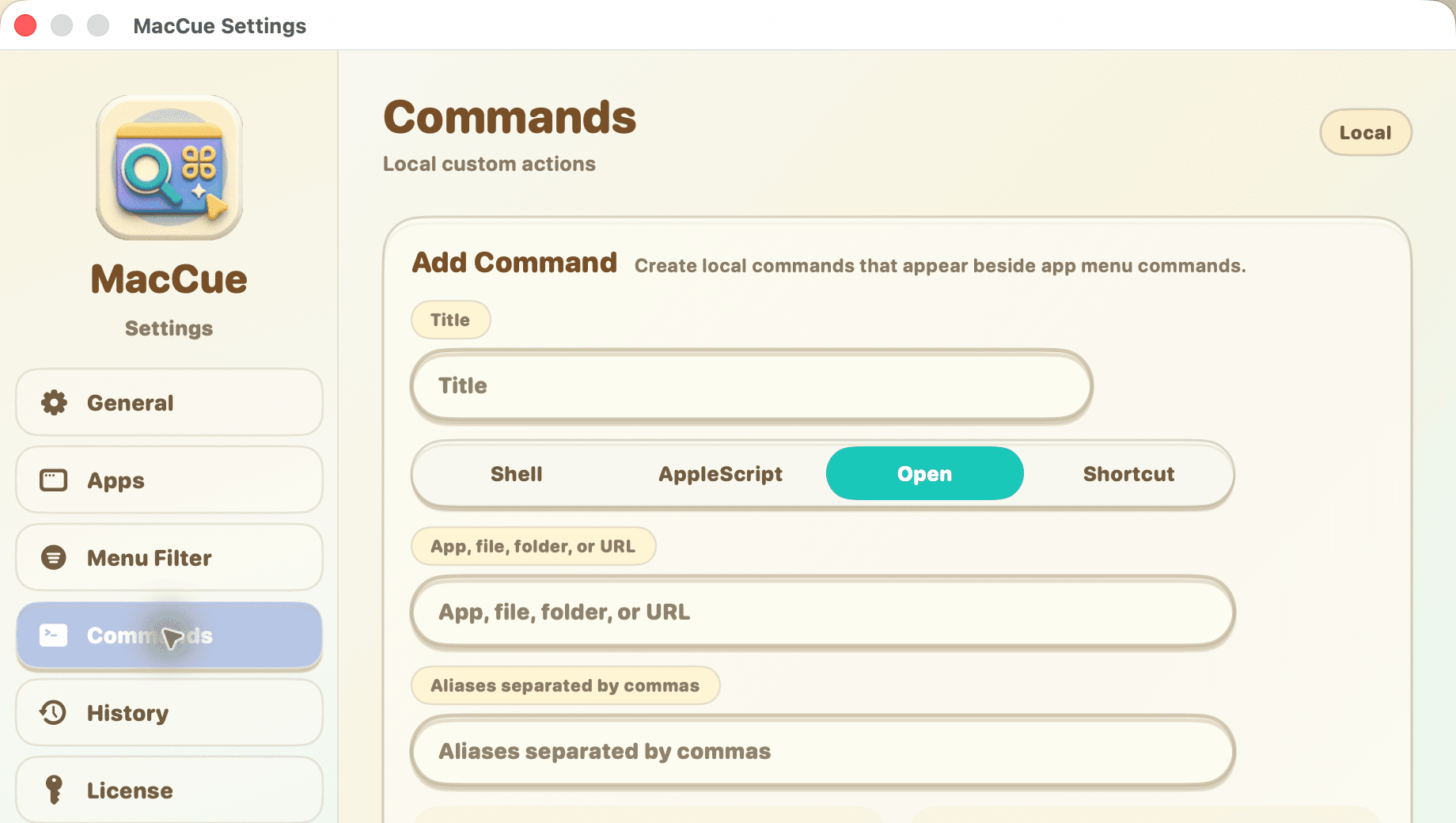
Add your own commands
Create local actions for shell scripts, AppleScript, files, folders, URLs, and shortcuts, then launch them from the same palette as native app commands.
Built for real Mac workflows
MacCue stays local, keyboard-first, and flexible enough for apps with very different menu behavior.
Per-app behavior
NewEnable, disable, or auto-detect MacCue per application, so apps with their own command palette can keep their native shortcut.
Custom aliases
Give local commands memorable aliases and launch them with the words you naturally type.
Menu state
Show checked menu item status when the front app exposes it through macOS accessibility.
Private by design
NewMacCue reads menus locally on your Mac. Your app commands do not need to be uploaded to a cloud search service.
Keyboard first
Open the palette, search, move, run, and dismiss with fast keyboard controls.
14-day trial
Try the full app before buying. No credit card required for the local trial.
Every detail, polished.
MacCue command palette searching app menu commands
MacCue settings for hotkeys and menu state
MacCue menu filter settings
MacCue custom command settings
$0
No trial. No feature gating. No subscription.
- Search app menu commands
- Per-app enable and disable rules
- Menu filter for noisy commands
- Local shell, AppleScript, open, and shortcut actions
- Custom command aliases
- Runs locally — nothing leaves your Mac
- Signed & notarized by Apple
- Source code on GitHub
MacCue FAQ
Common questions about the free, open-source command palette for macOS.
Is MacCue really free?
Yes. MacCue is free forever — no trial, no feature gating, no subscription. It's open source under the MIT license, so you can use, modify, and build from source freely.
What does MacCue do?
MacCue gives macOS apps a searchable command palette. Press the hotkey, type the command you want, and run menu actions without hunting through nested menus.
Does it replace an app's built-in Command+Shift+P?
No. You can disable MacCue per app, so apps with their own command palette can keep their native shortcut behavior.
What are custom commands?
Custom commands are local actions you add to MacCue, such as shell commands, AppleScript, files, folders, URLs, and shortcuts. They appear beside app menu commands in the palette.
What does Menu Filter do?
Menu Filter hides noisy menu commands from MacCue search results for the current app. The commands still exist in the app's original menu.
Is the app signed and notarized?
Yes. The DMG from GitHub Releases is signed with a Developer ID certificate and notarized with Apple. macOS Gatekeeper will let you open it without any warnings.
Can I build MacCue from source?
Yes. Clone the repo, install XcodeGen (`brew install xcodegen`), run `xcodegen generate`, and open in Xcode. The project is a single SwiftUI + AppKit target with Sparkle and KeyboardShortcuts dependencies.