


Quit, force quit, and reset a crowded Mac workspace faster
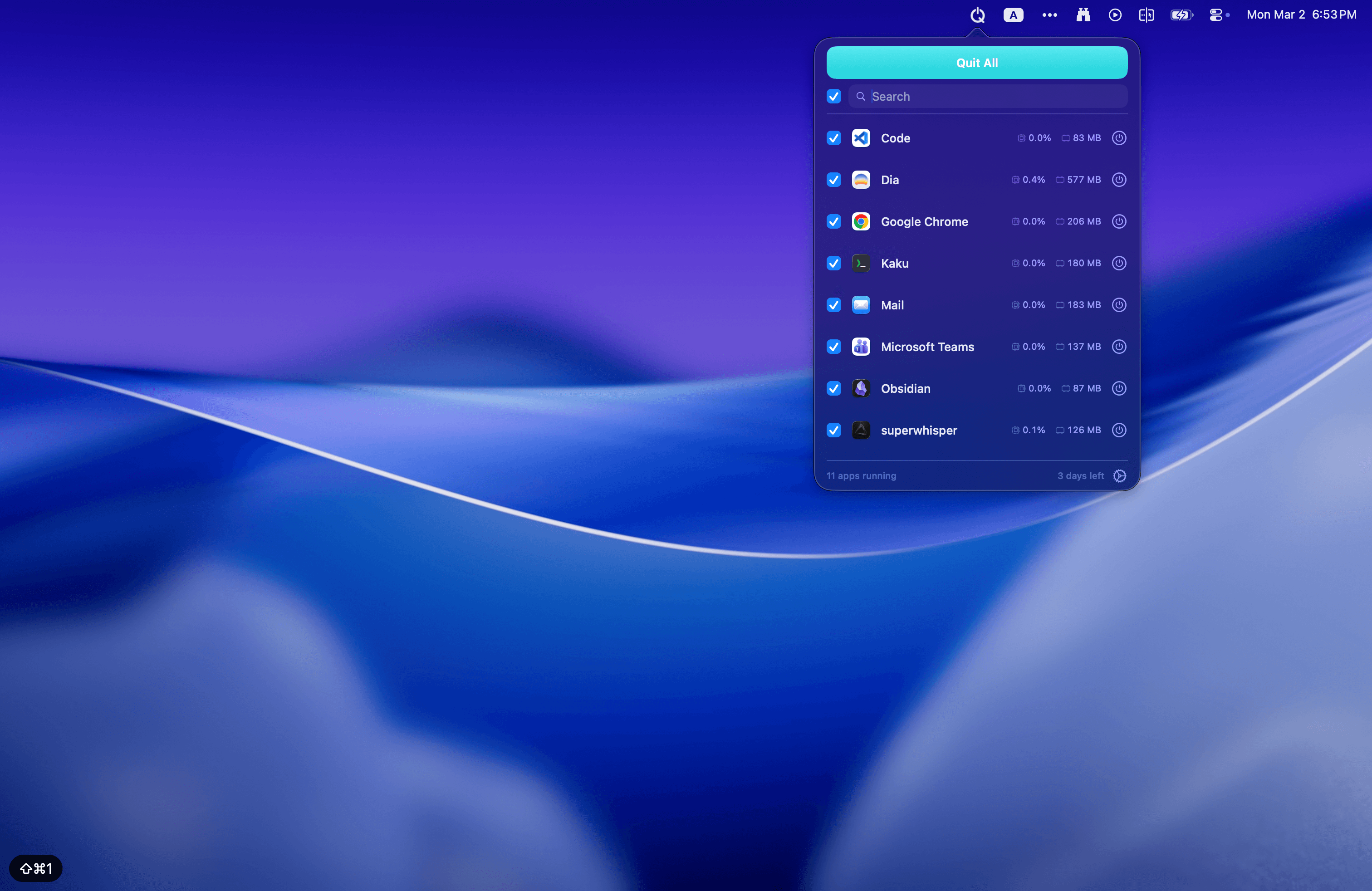
MacQuit is built for the moment when your Mac is full of open apps, background tools, and one-off windows you no longer need. Instead of quitting each app one by one, you get a single menu bar control for closing everything quickly and getting back to a clean desktop.
The app also goes further than a simple quit-all shortcut. You can force quit frozen apps, review CPU and memory usage before closing processes, keep specific apps out of the quit list, and auto-close idle apps when you want your Mac to stay lean throughout the day.
Quit all apps, instantly
One click to close everything. Select what to quit with checkboxes, then hit Quit All. Protected apps stay safe — you'll see a shield badge right in the list.
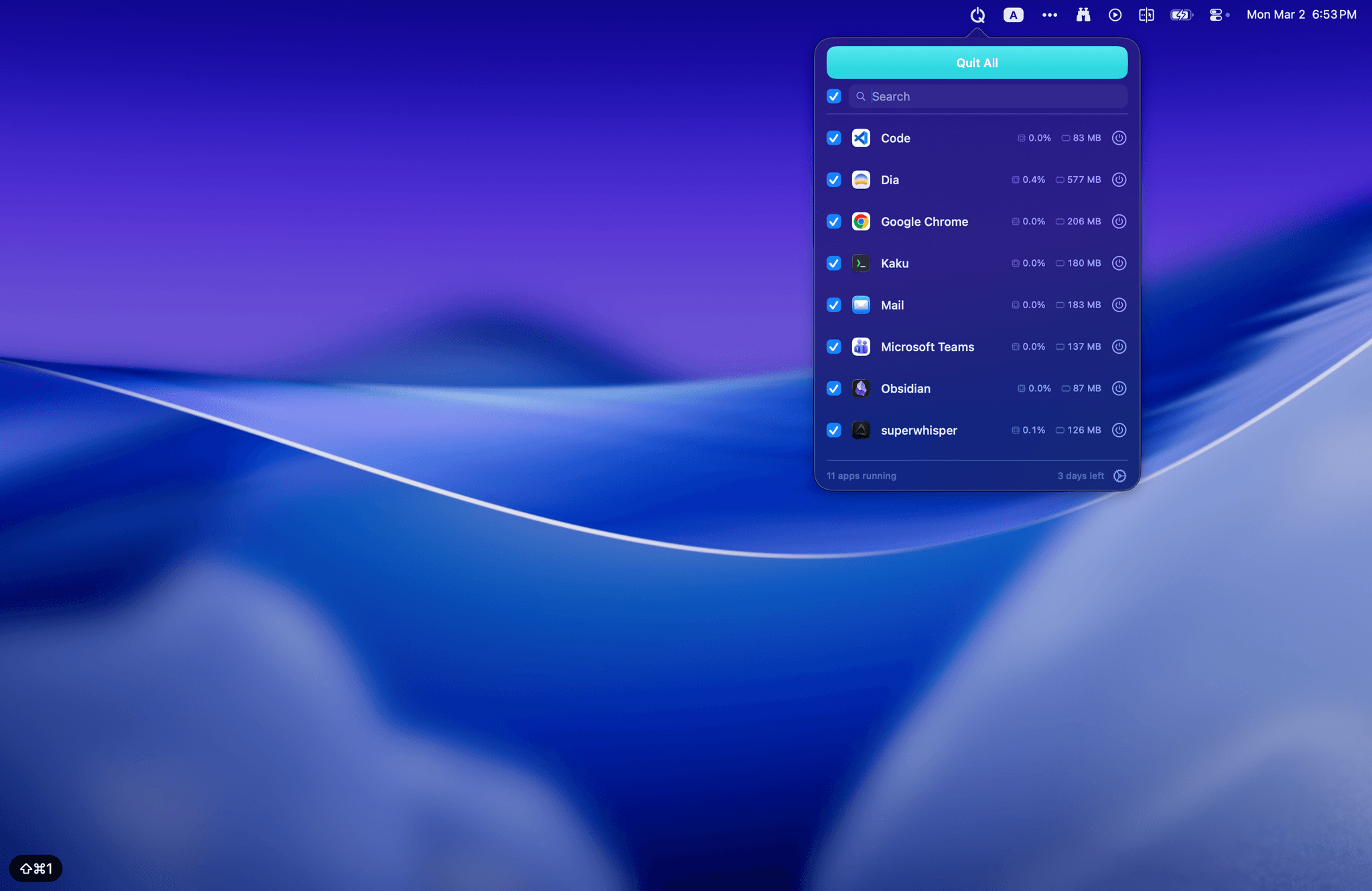
Force quit when you need to
Hold Option to switch every button to Force Quit. When an app is frozen and won't respond, red means business.
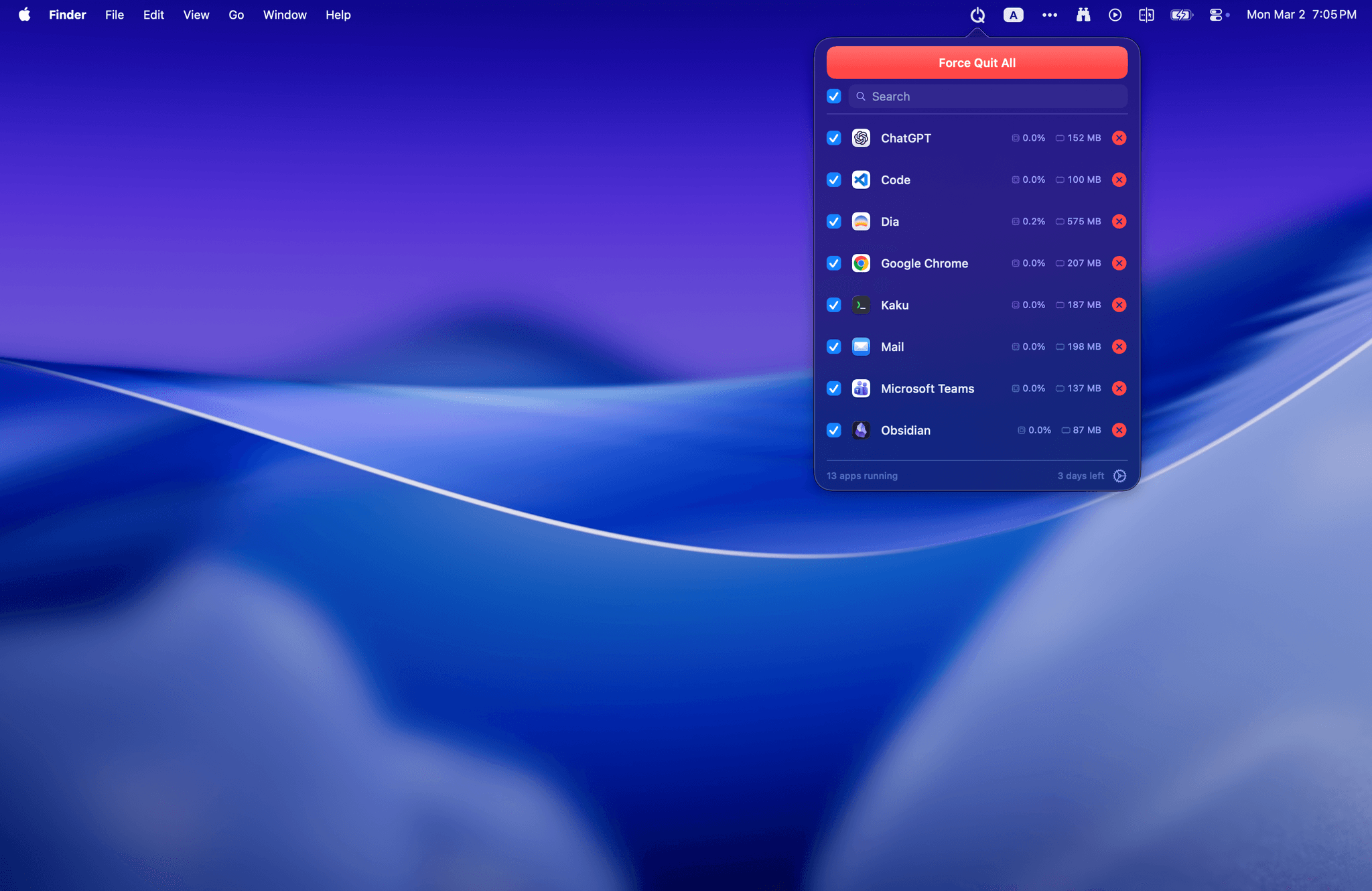
Auto-quit idle apps
Set a timer. Apps unused longer than your threshold get quit automatically. Reclaim memory without lifting a finger.
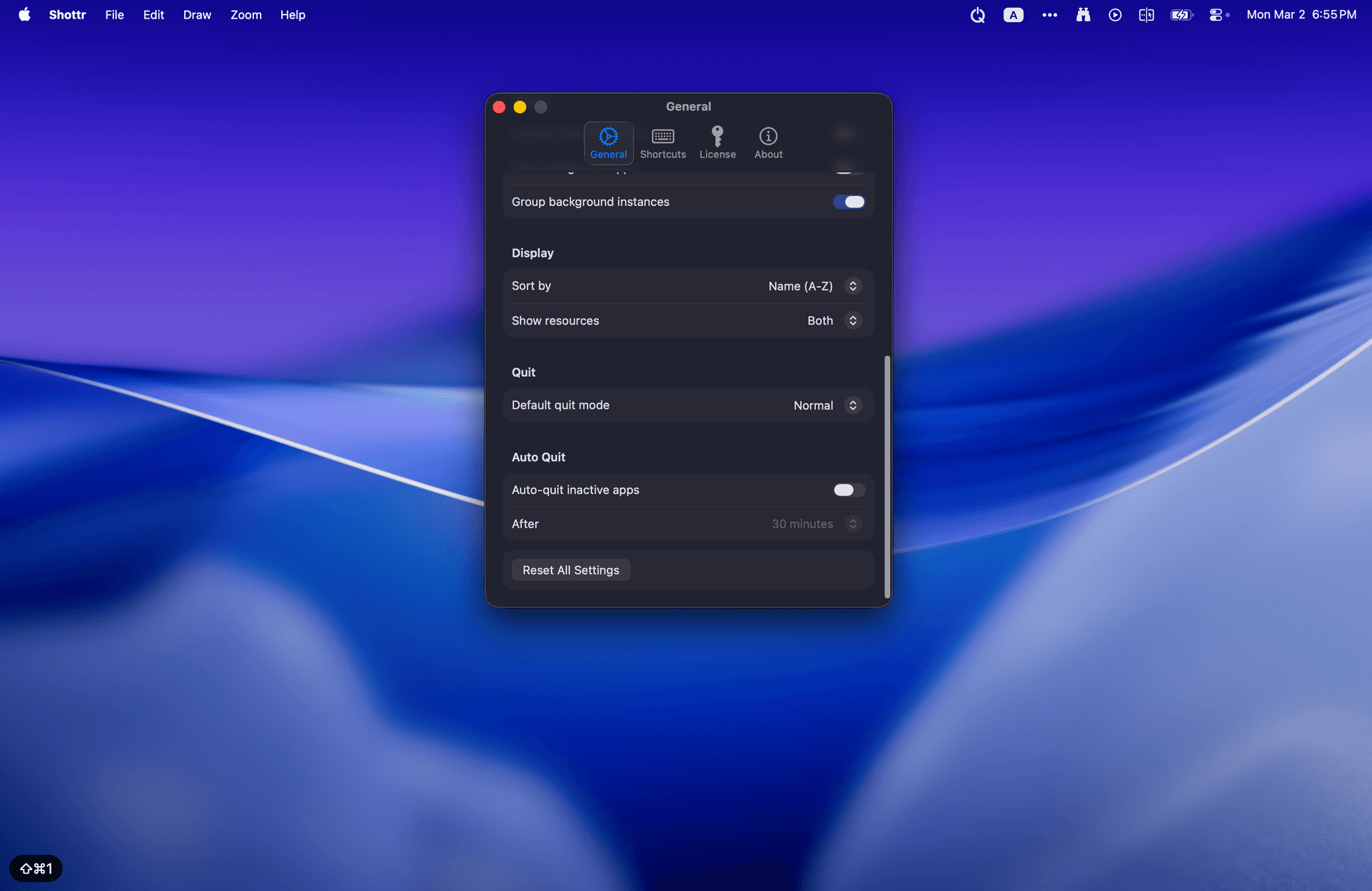
And all the details you'd expect
Small touches that make MacQuit feel like it belongs on your Mac.
Never-Quit List
NewProtect apps you can't afford to close — password managers, terminals, dev servers. They're skipped when you Quit All.
Instant search
Filter running apps as you type. Find anything in a keystroke.
Global shortcuts
Quit all apps from anywhere with a keyboard shortcut.
Live resource stats
Real-time CPU and memory usage next to every running app.
Music protection
Music apps are auto-protected so your playlist keeps playing.
Background apps
View and manage hidden background processes grouped by parent.
Smart sorting
Sort by CPU, memory, or name. Spot resource hogs instantly.
Every detail, polished.
MacQuit main interface
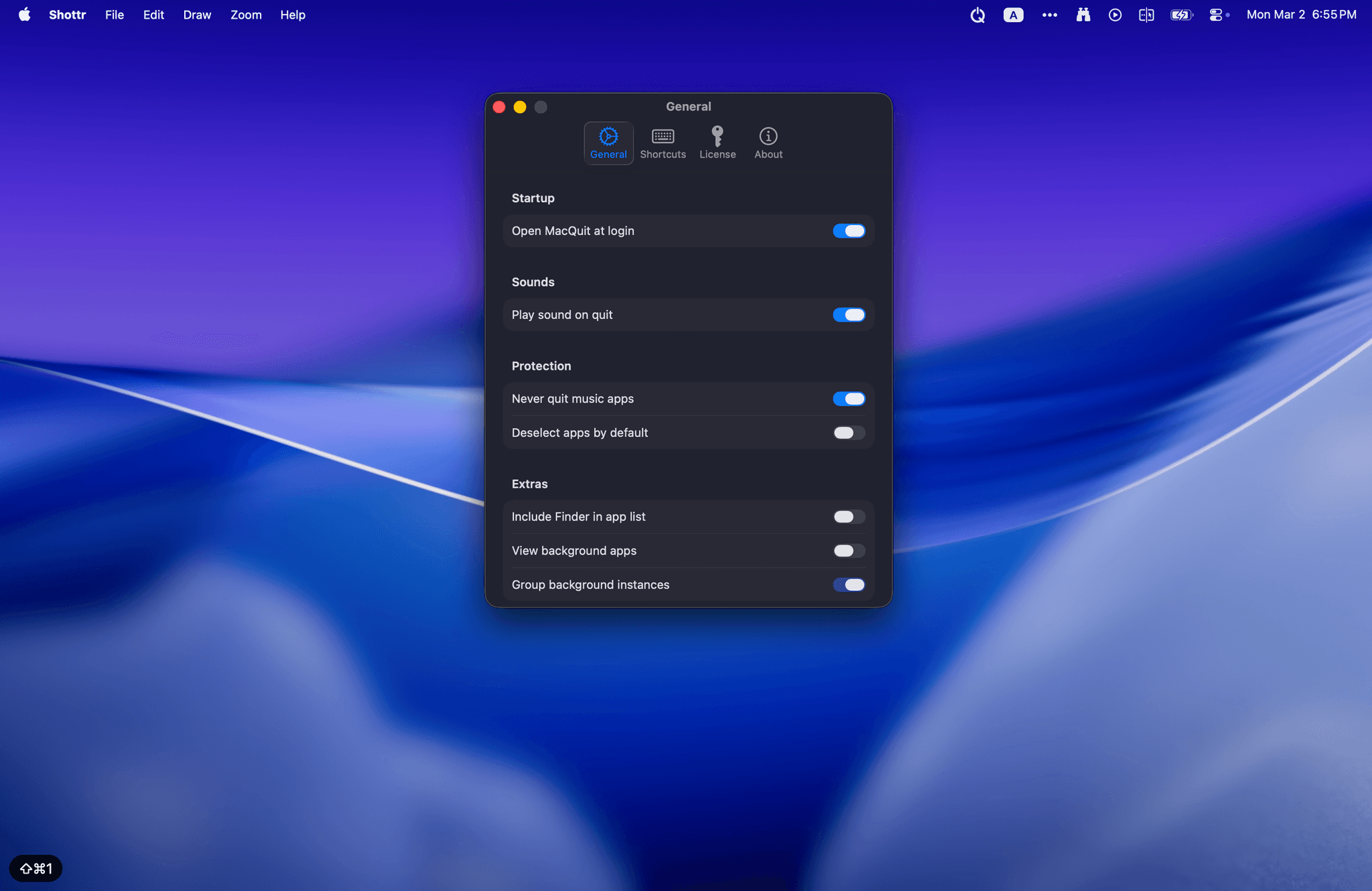
MacQuit settings
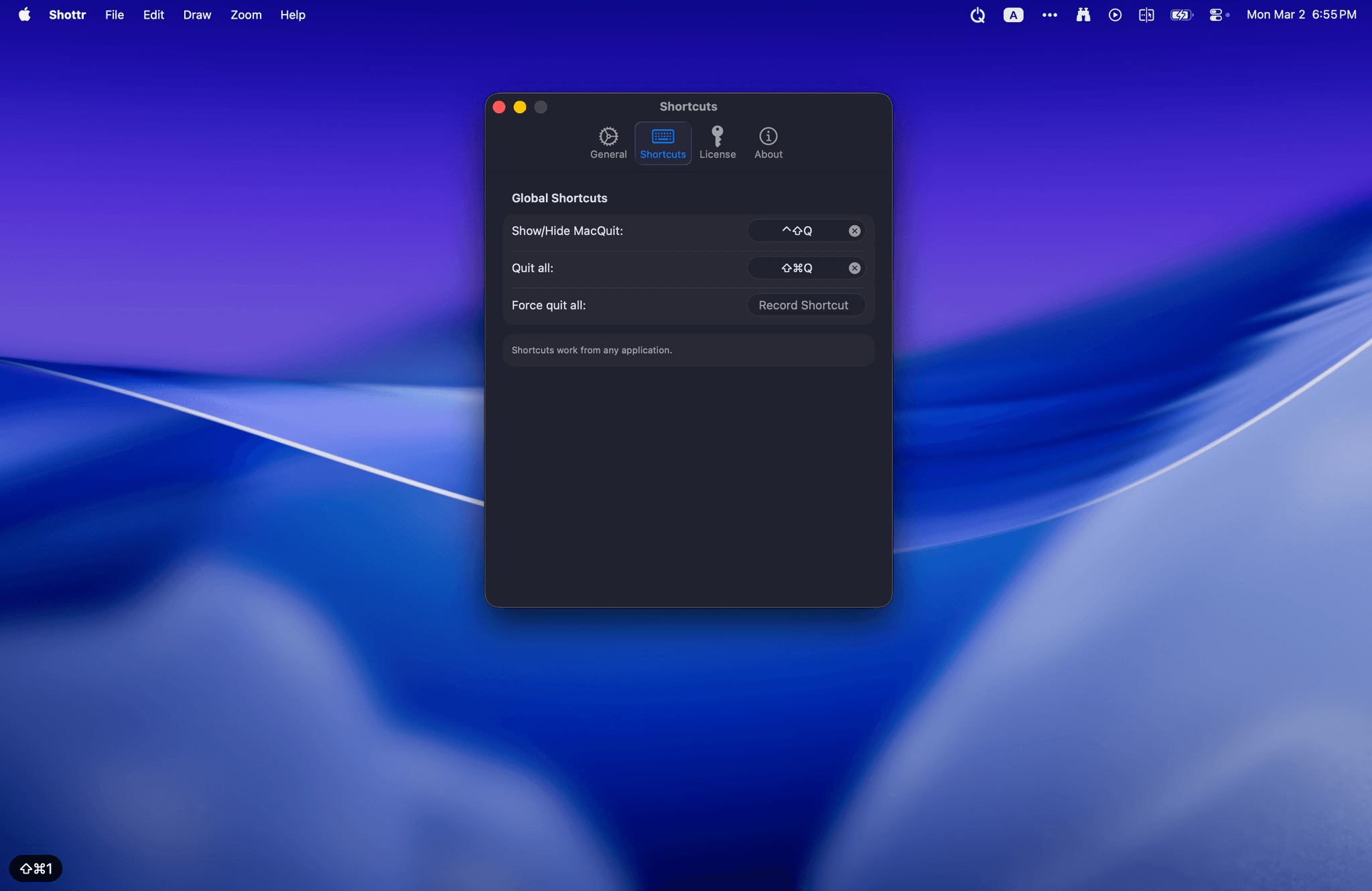
MacQuit shortcuts
MacQuit force quit
One price. Yours forever.
MacQuit Pro
$4.99
Lifetime license
- Unlimited app quits
- Auto-quit inactive apps
- Global keyboard shortcuts
- CPU & Memory monitoring
- Background process management
- 3 devices per license
- Free updates forever
14-day free trial. No credit card required.
MacQuit FAQ
Answers to the questions people usually ask before trying a quit-all app on macOS.
How do I quit all apps on Mac at once?
MacQuit puts your running apps in a menu bar panel so you can select what to close and quit everything with one click, instead of opening each app and quitting it manually.
Can MacQuit force quit frozen apps?
Yes. If an app is stuck, MacQuit can switch into force quit mode so you can close unresponsive apps without going through Activity Monitor.
Does MacQuit help manage resource-heavy apps?
Yes. MacQuit shows CPU and memory usage next to running apps, which makes it easier to spot apps that are chewing through system resources.
Is MacQuit a QuitAll alternative?
Yes. MacQuit is a native macOS alternative designed around one-click quitting, force quit support, auto-quit rules, and a simple one-time license.